
Guides from the shop floor
Video guides
Short videos that show you how to do each thing in PowderFlow, grouped by the part of the app you're working in.
Getting started
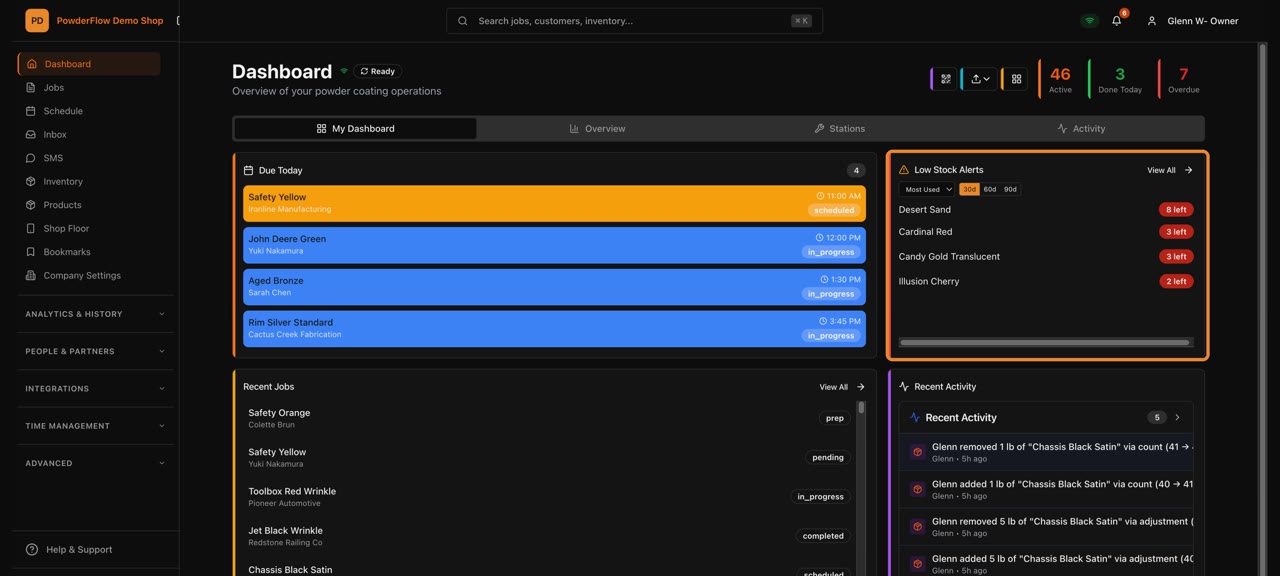
Read your dashboard
See today's jobs, money and alerts at a glance.
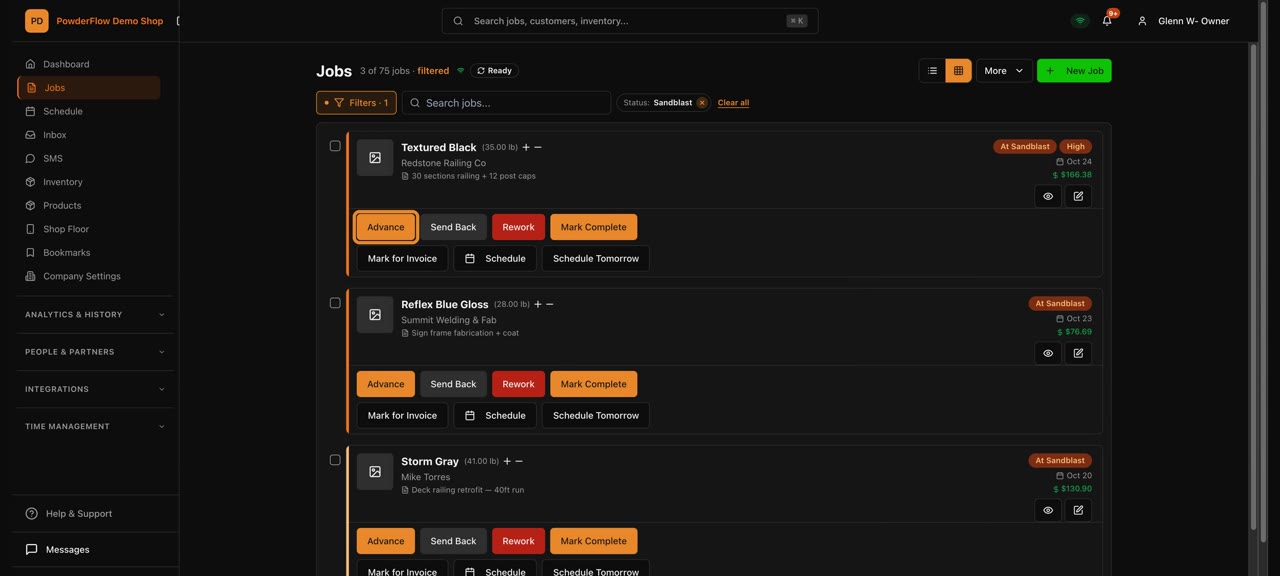
Simple or Tracking
Two ways to run your shop. Pick the one that fits how you work.
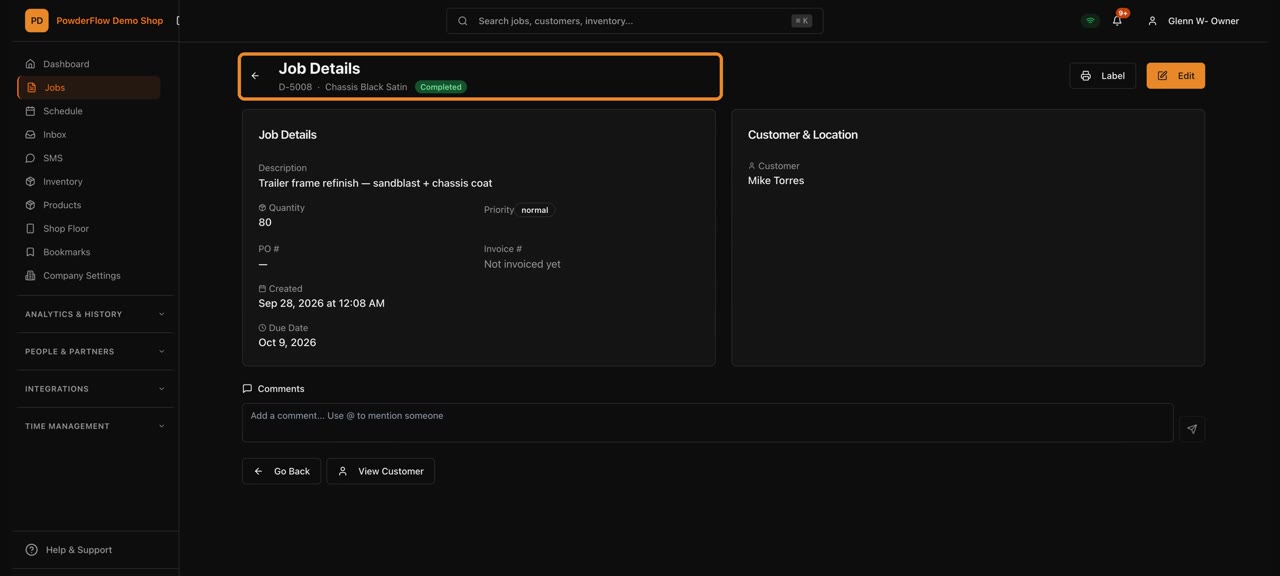
Search anything
Find any job, customer or item from the search box on every page.
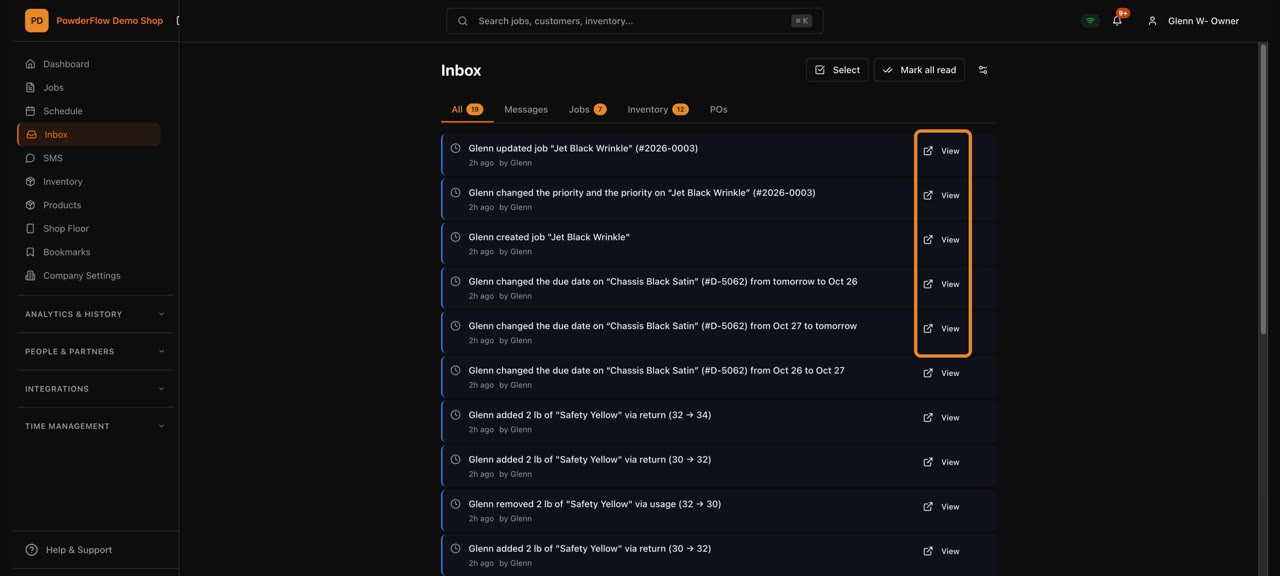
Your Inbox
Everything that needs your attention, in one list.
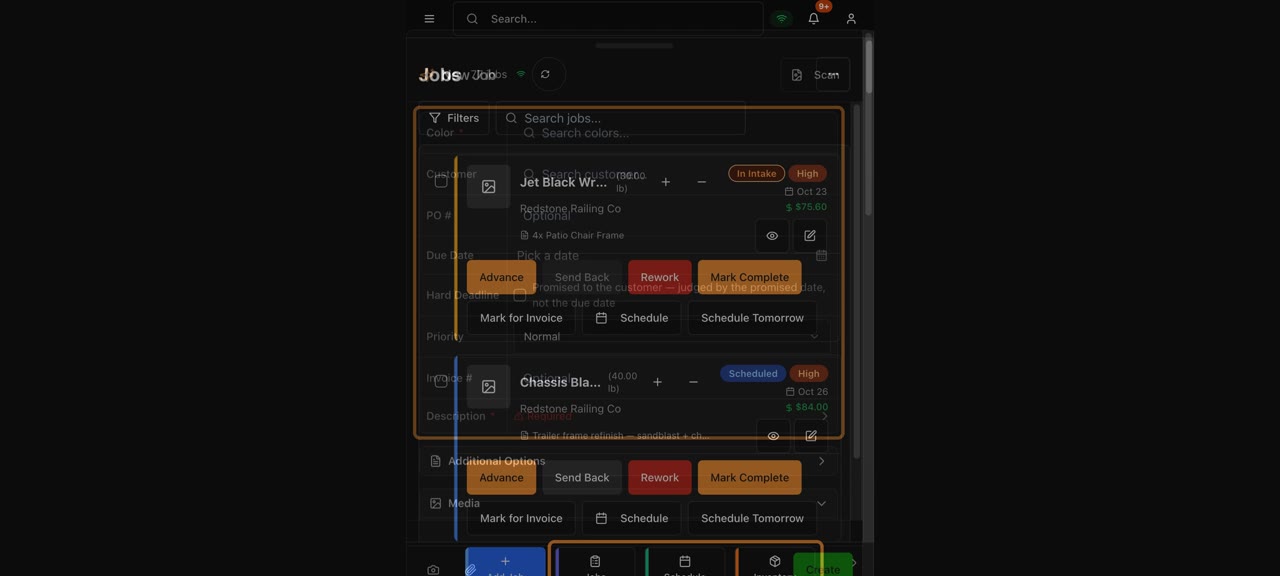
The quick bar on your phone
The buttons you use most, one tap away on your phone.
Jobs
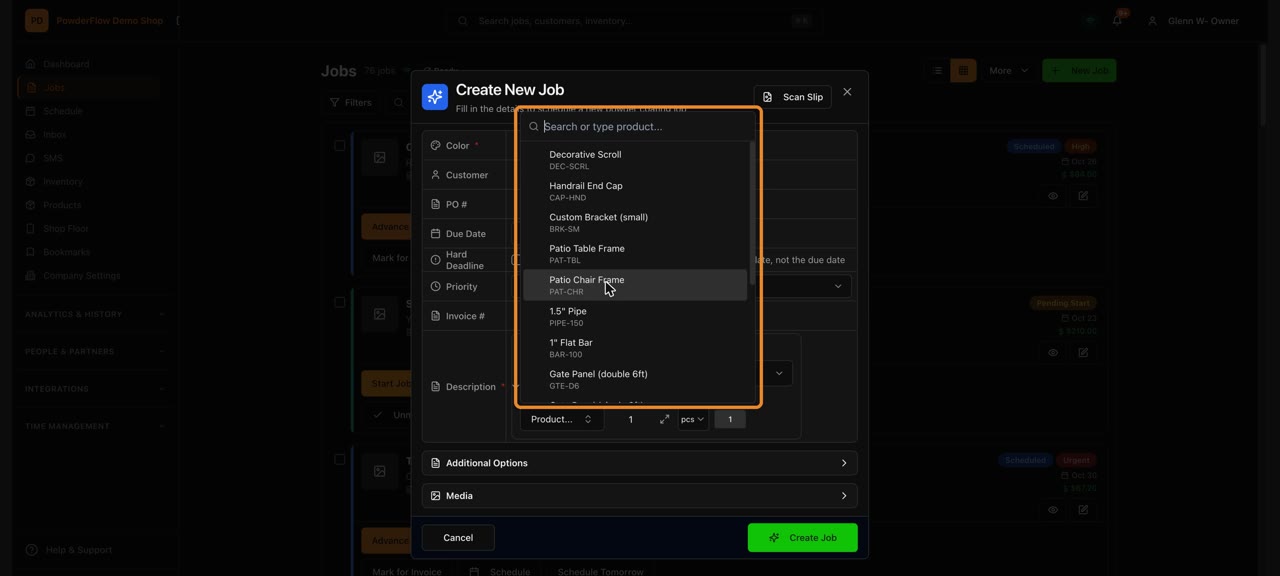
Create a job
Pick the color, customer, due date and parts, then create the job.
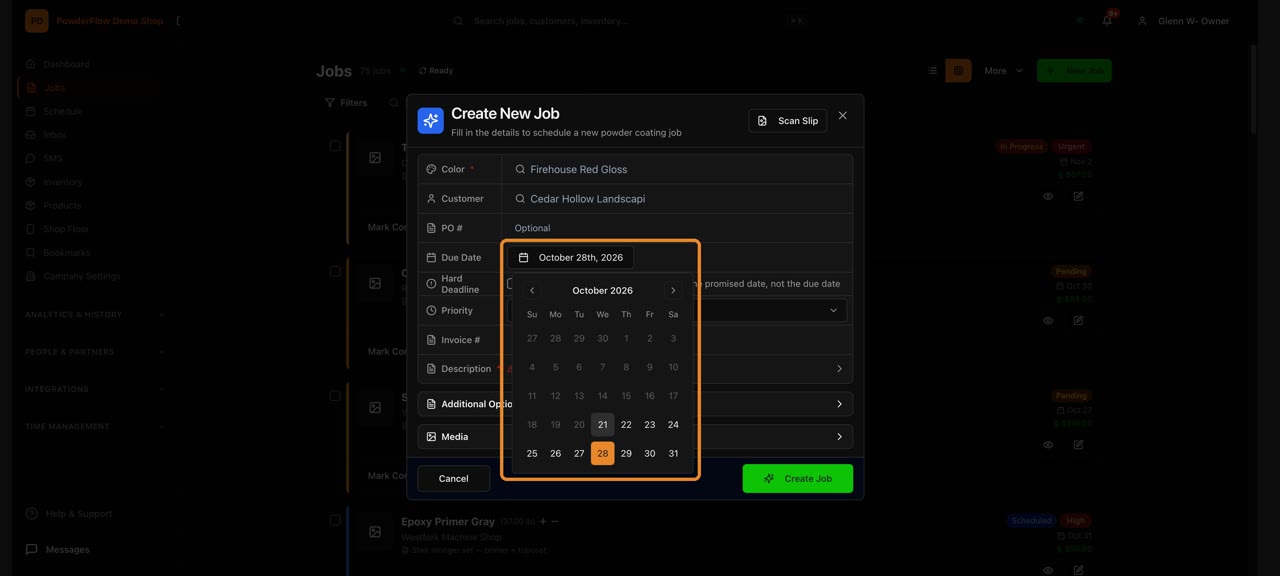
Create a job (Simple mode)
Just the basics: what you're coating, who it's for and when it's due.
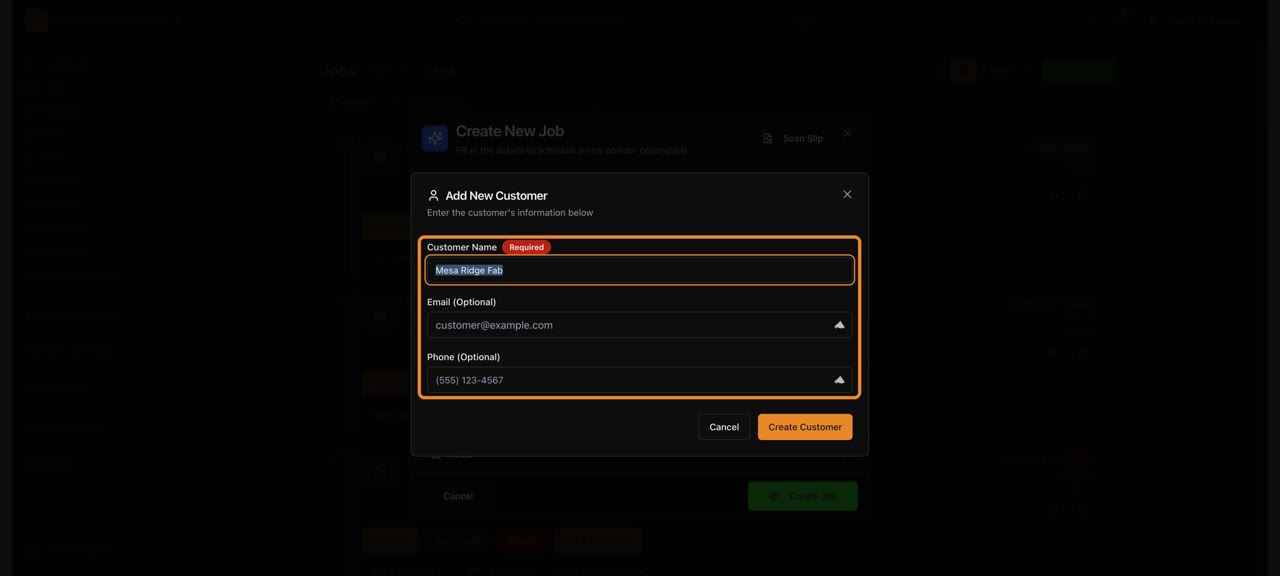
Add a new customer from New Job
Add a customer without leaving the job you're creating.
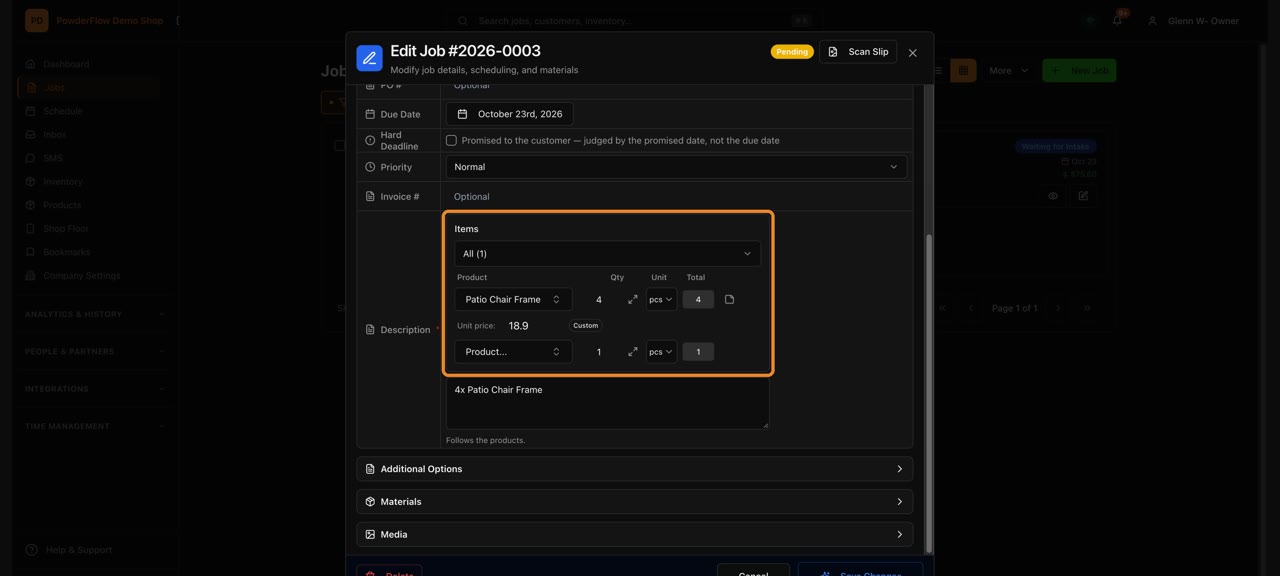
Edit a job
Change the details on a job any time.
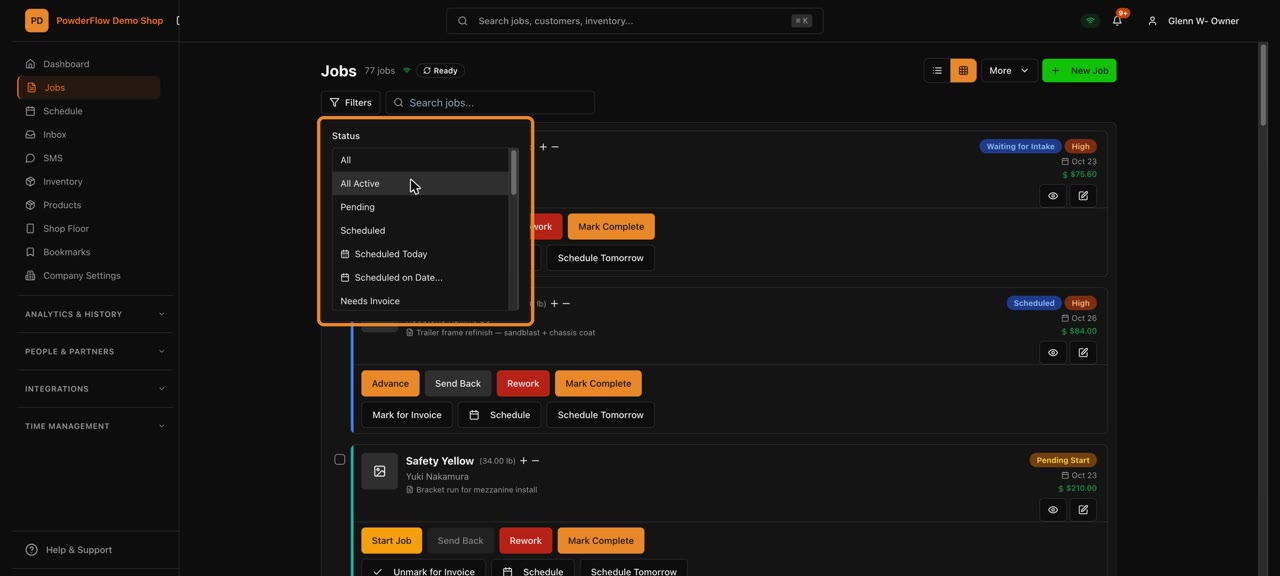
Find a job
Filter and search the Jobs list to find the one you need.
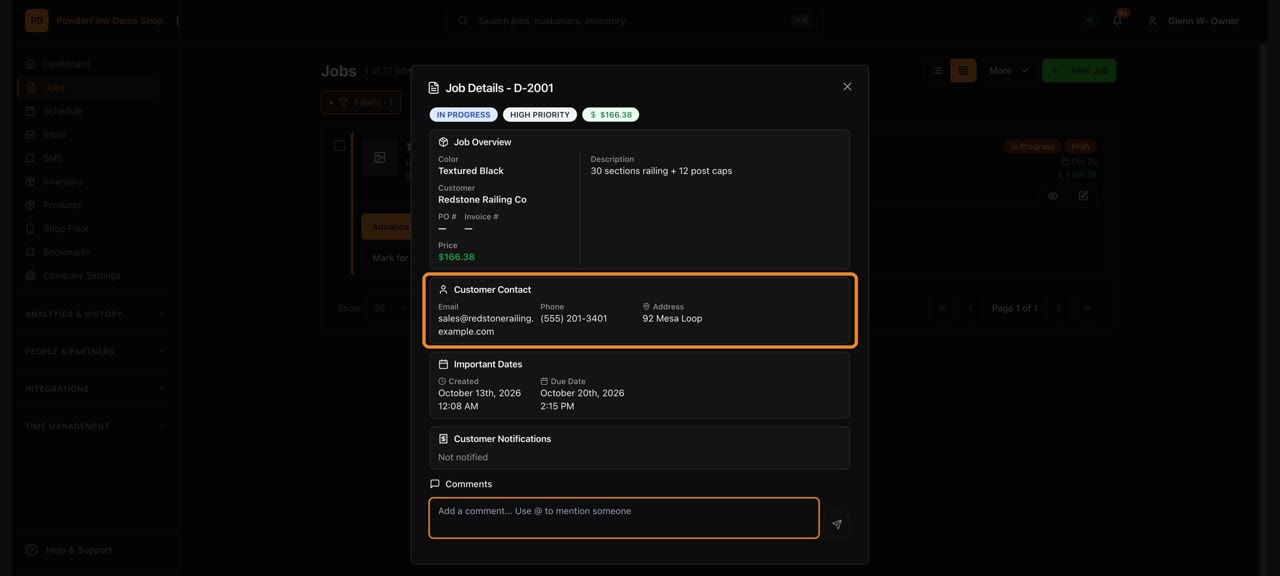
Look up a job's details
Open a job to see everything about it in one place.
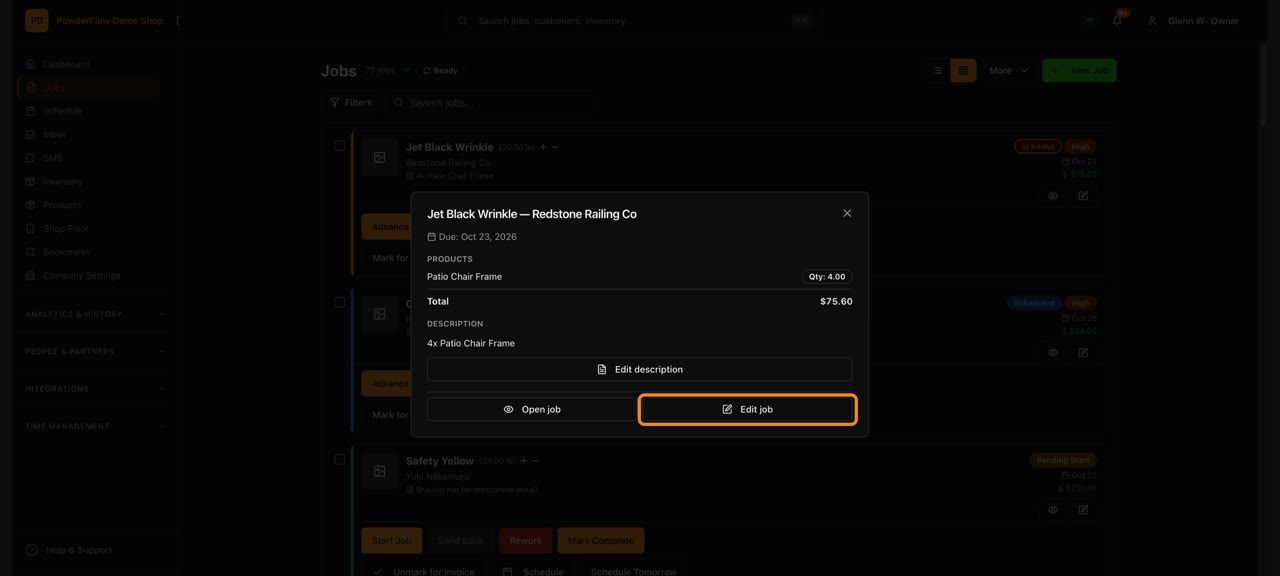
Check a job's parts
See how many of each part is on a job.
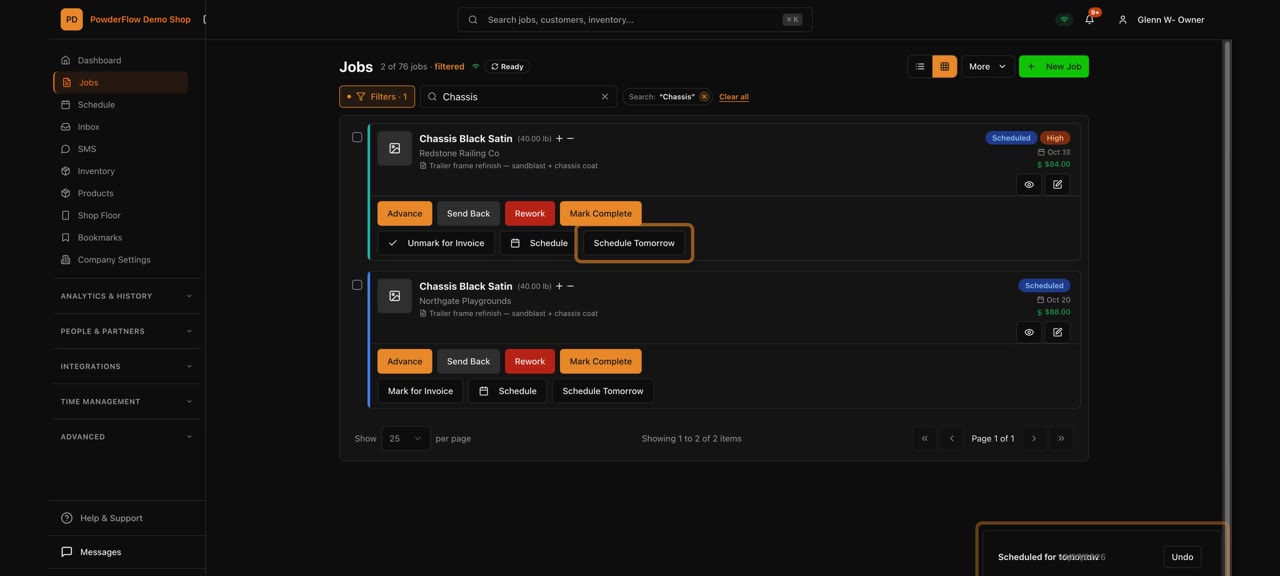
Quick actions on a job card
Do the everyday things right from the job card.
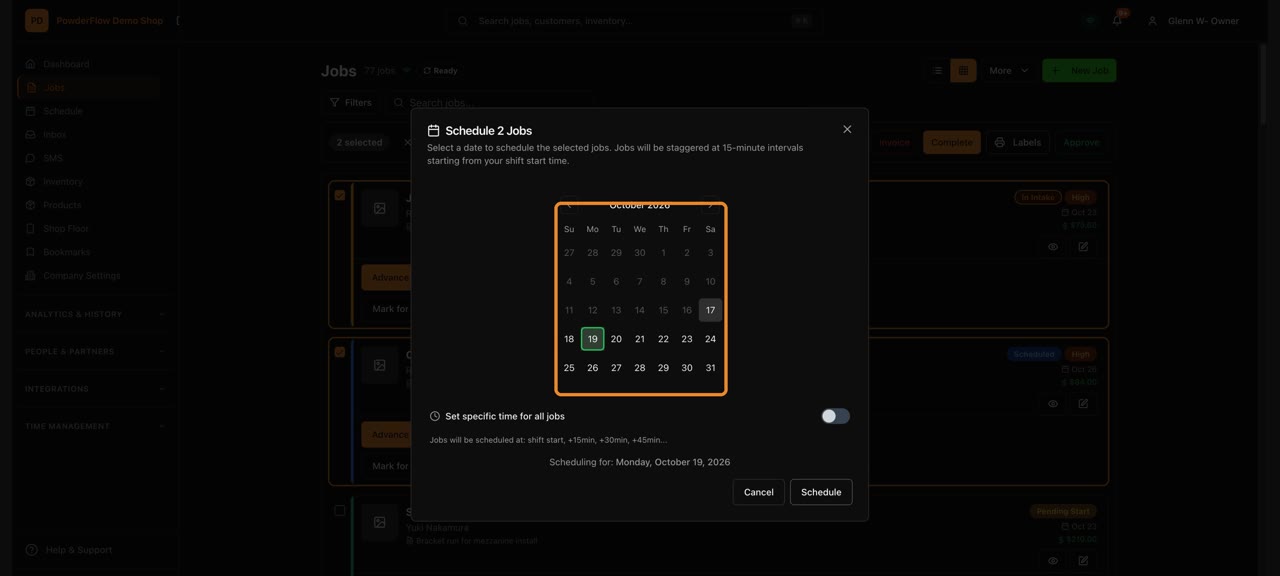
Change many jobs at once
Tick several jobs and update them together.
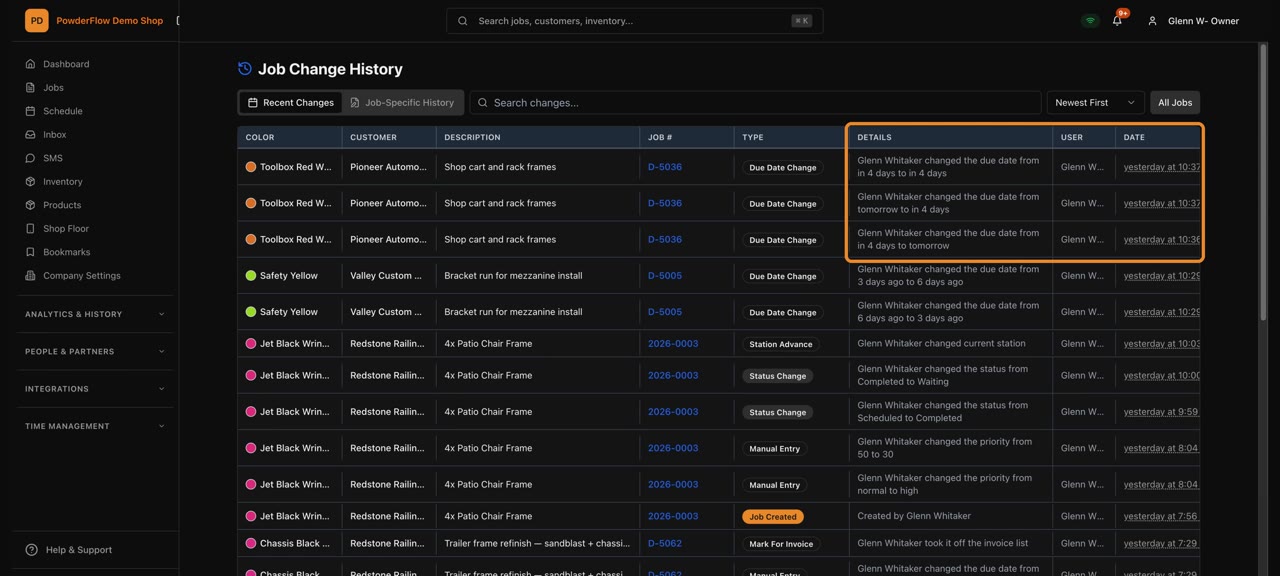
Job History
Every change to every job, newest first.
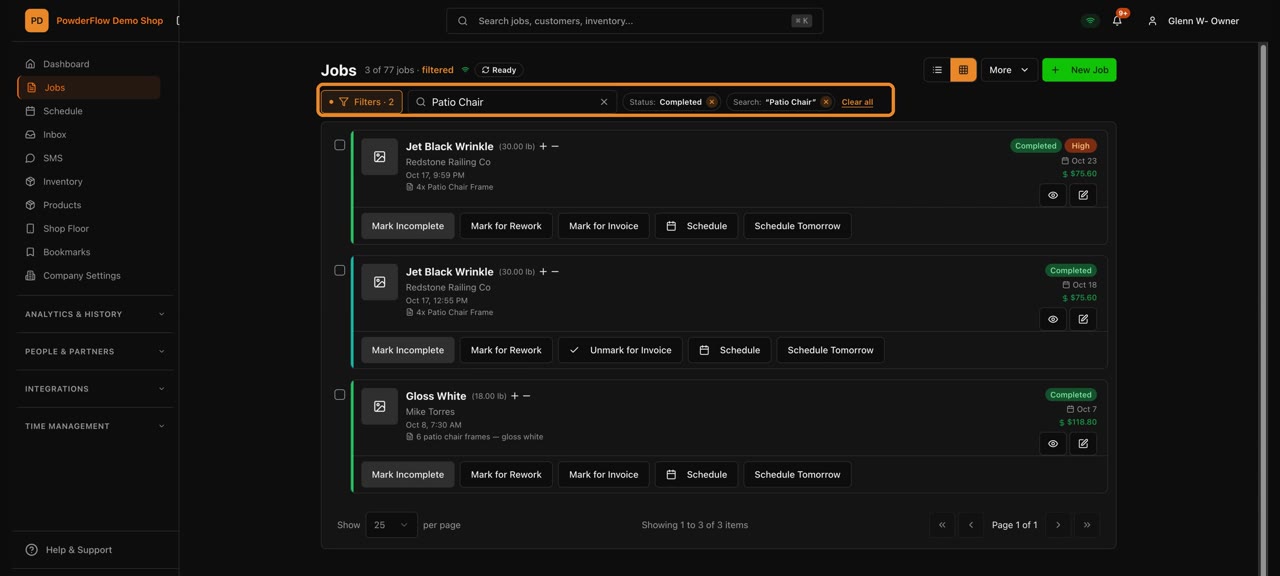
Mark a job complete
Finish a job so it's ready to invoice.
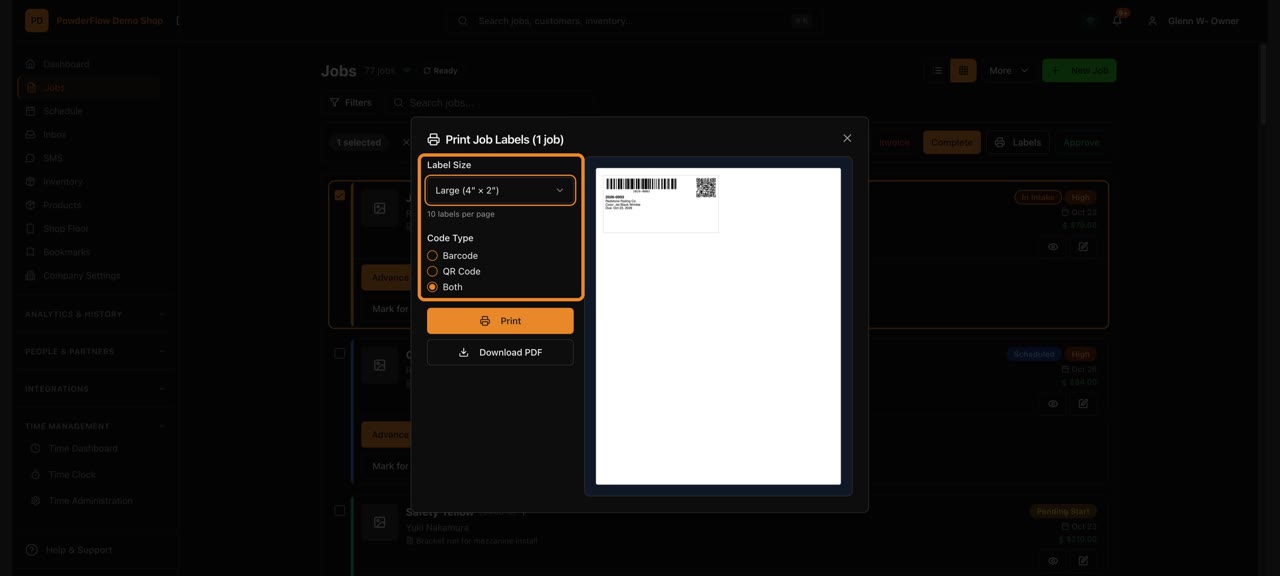
Print job labels
Print labels so parts stay with the right job.
Shop floor
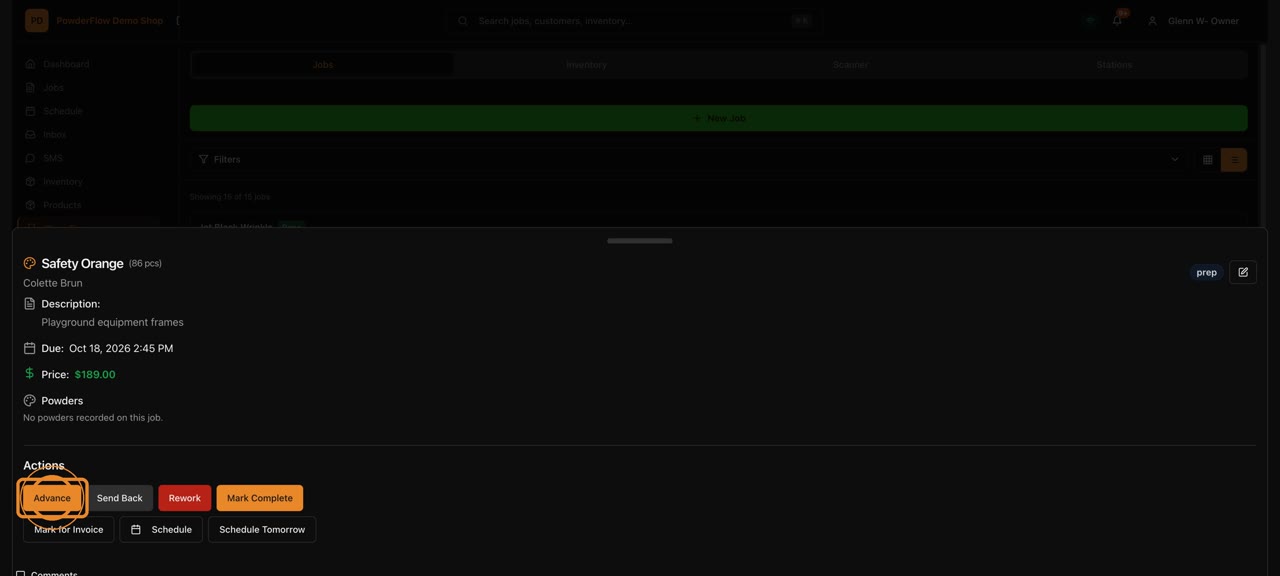
The Shop Floor screen
The big-screen view of what's happening on the floor.
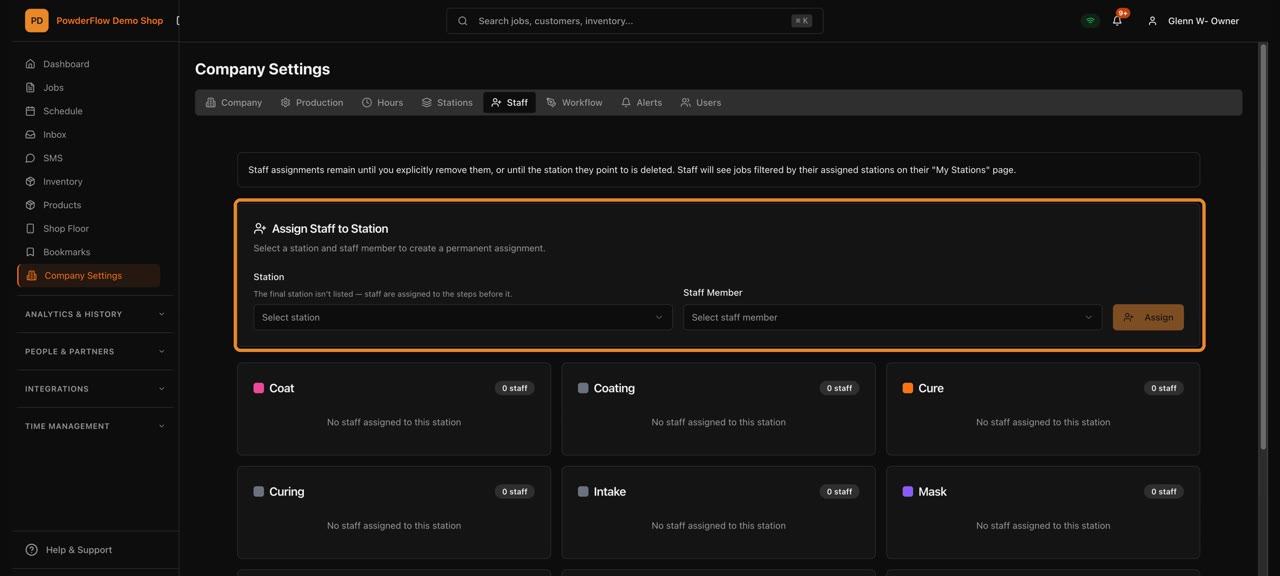
My Stations
Each person sees the jobs at their station.
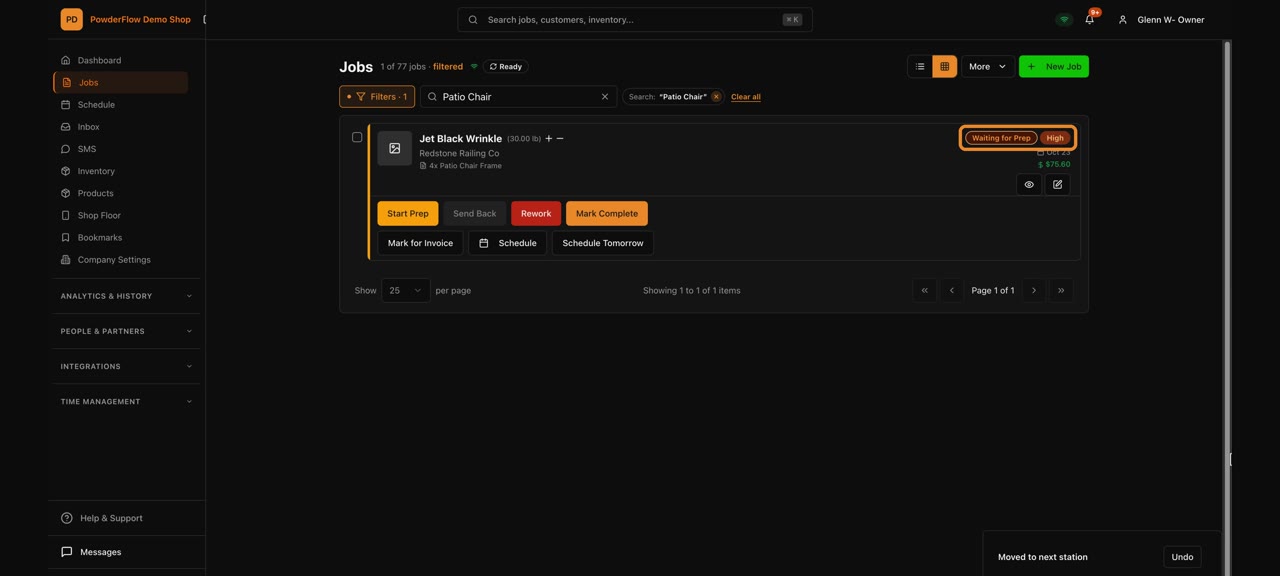
Move a job through the shop
Send a job from station to station as the work gets done.
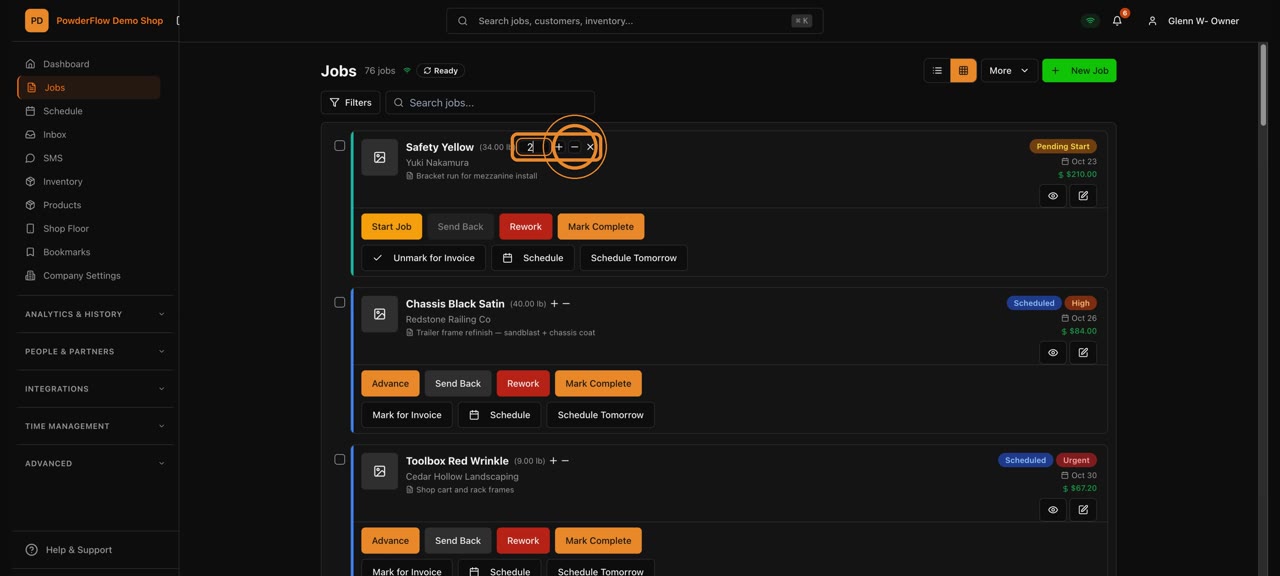
Pull powder for a job
Record the powder you take from stock for a job.
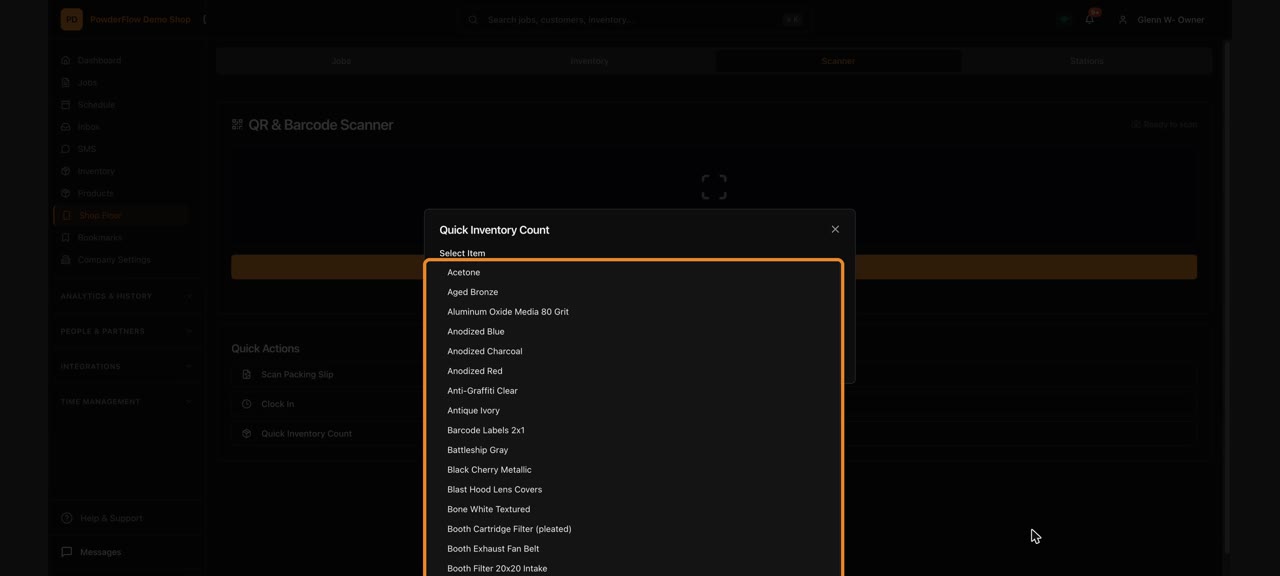
Quick count with the scanner
Scan and count stock right on the shop floor.
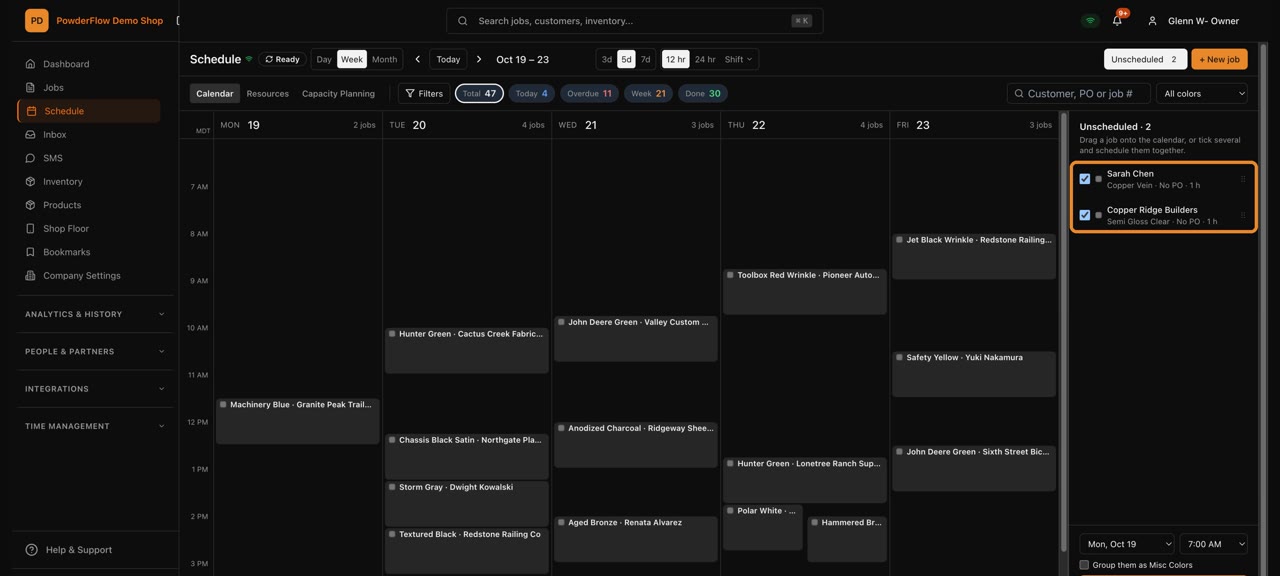
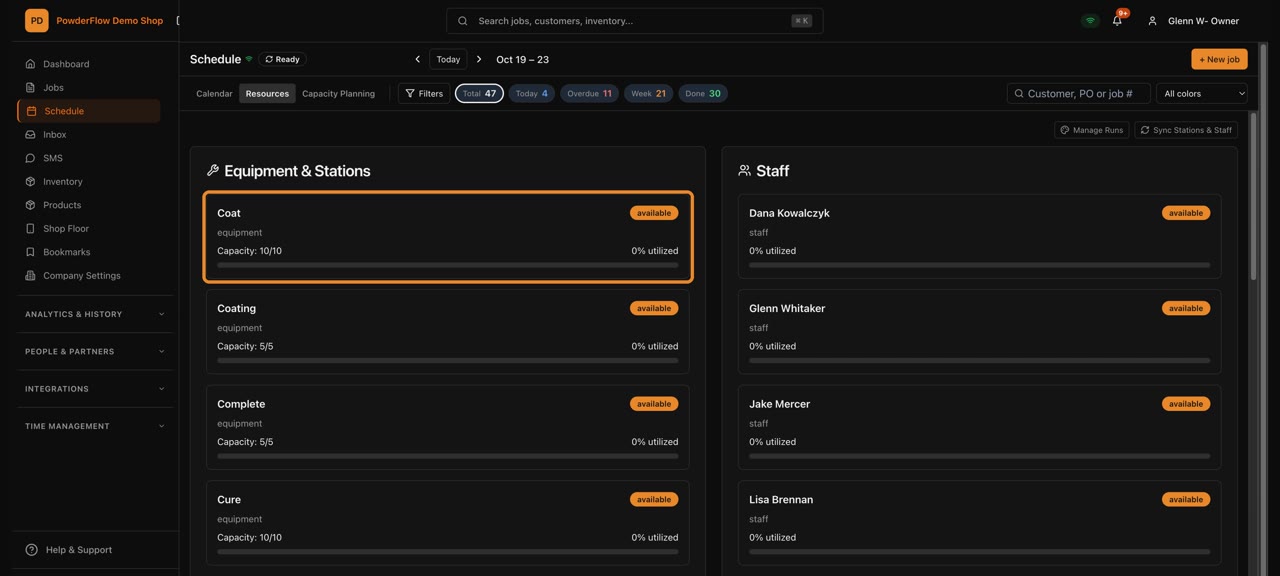
Scheduling
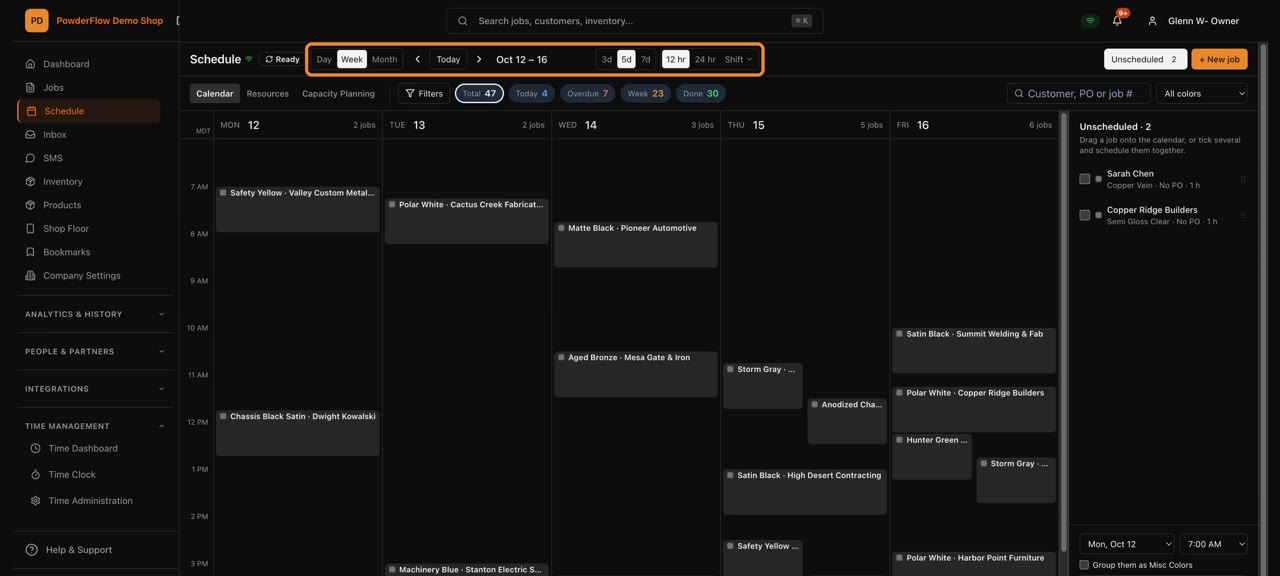
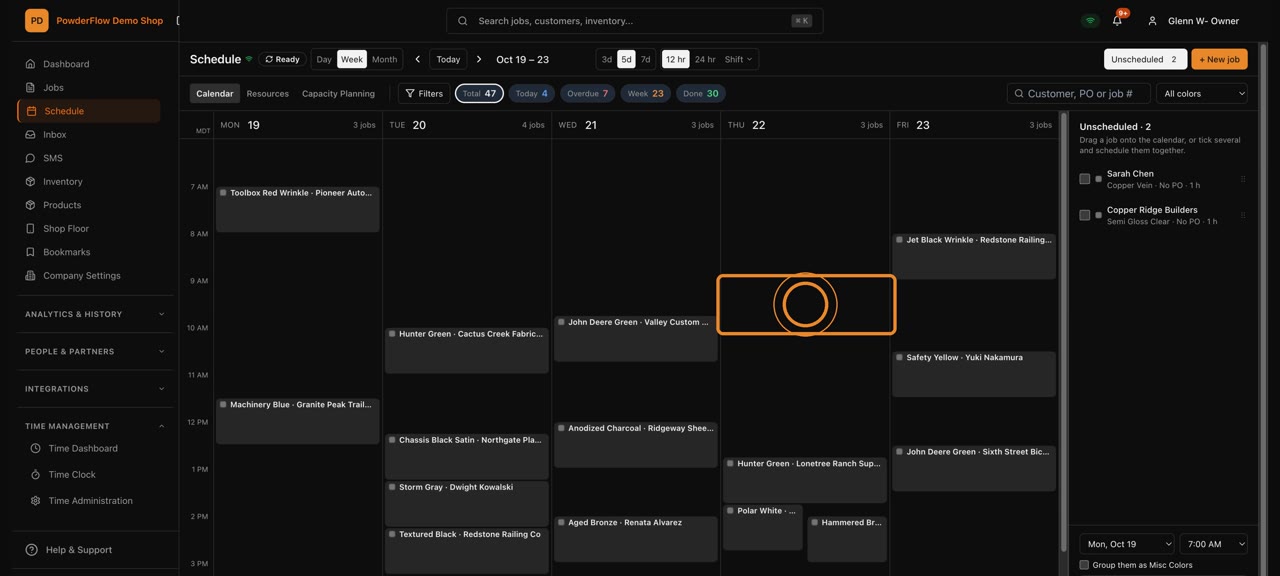
Customers & products
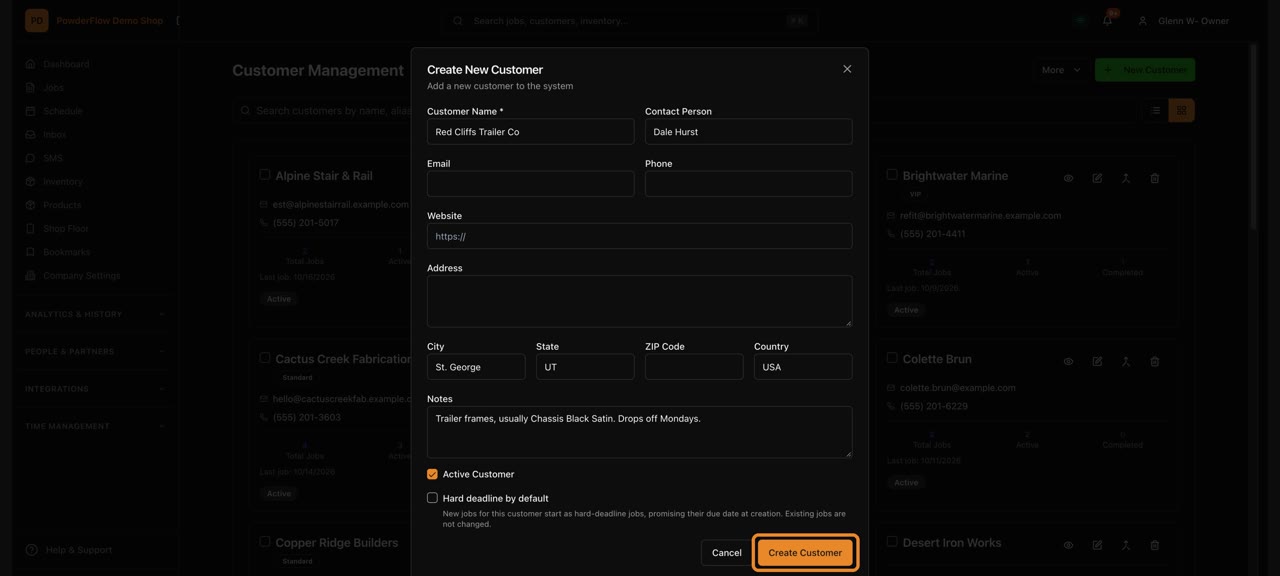
Add or edit a customer
Keep every customer's details up to date.
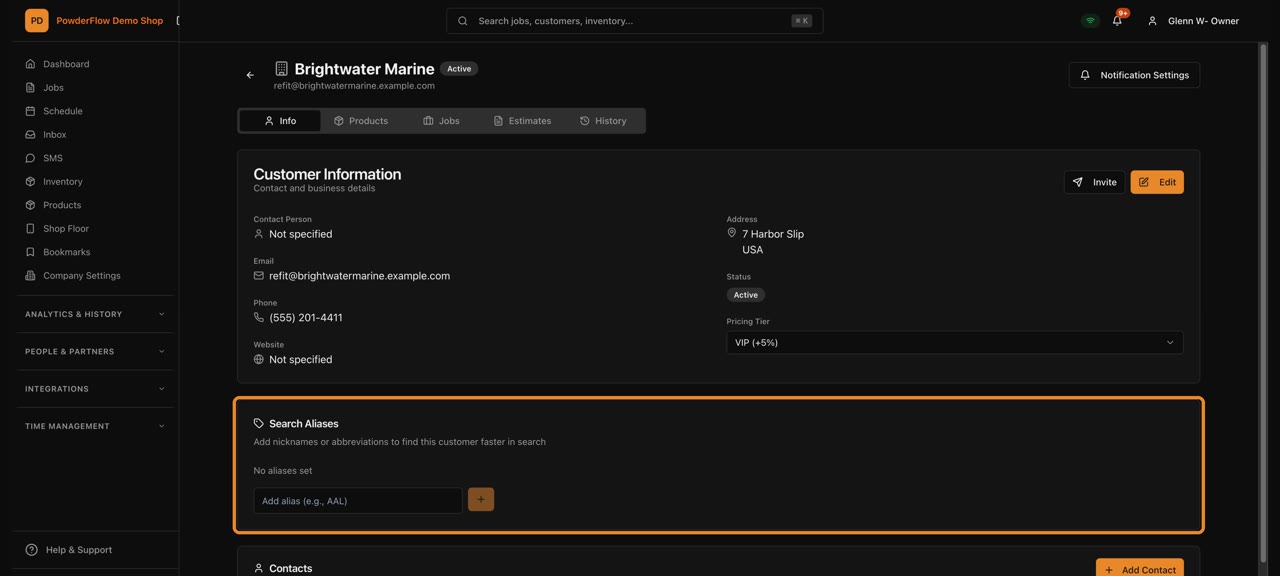
A customer's page
Everything about one customer: info, jobs and history.
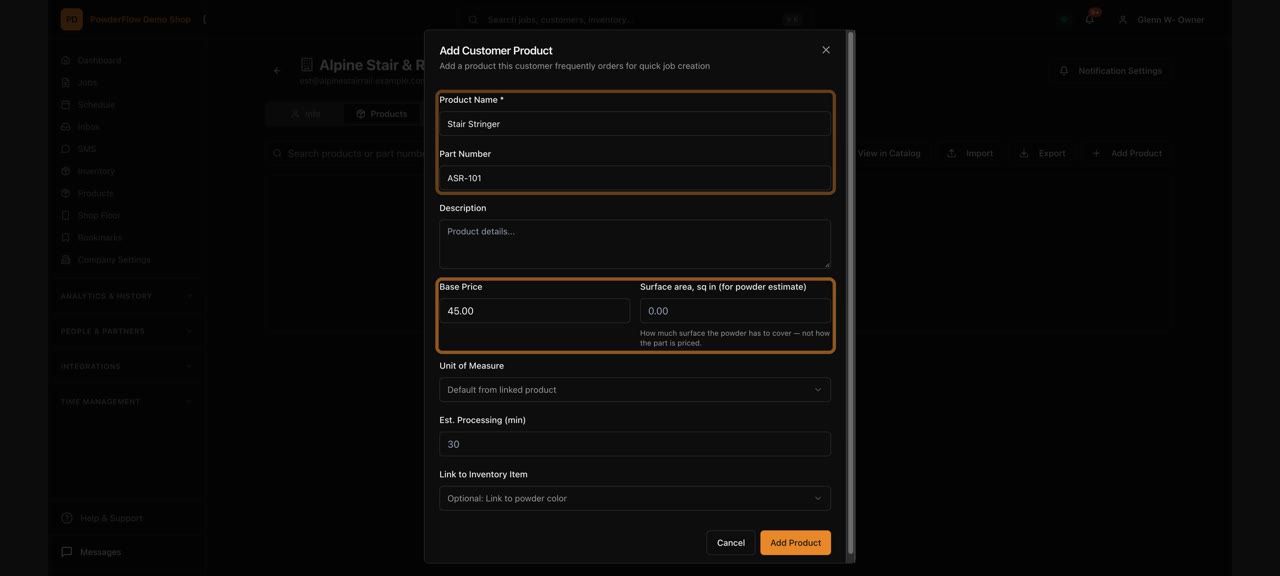
Save a customer's parts
Save the parts a customer orders often for faster jobs.
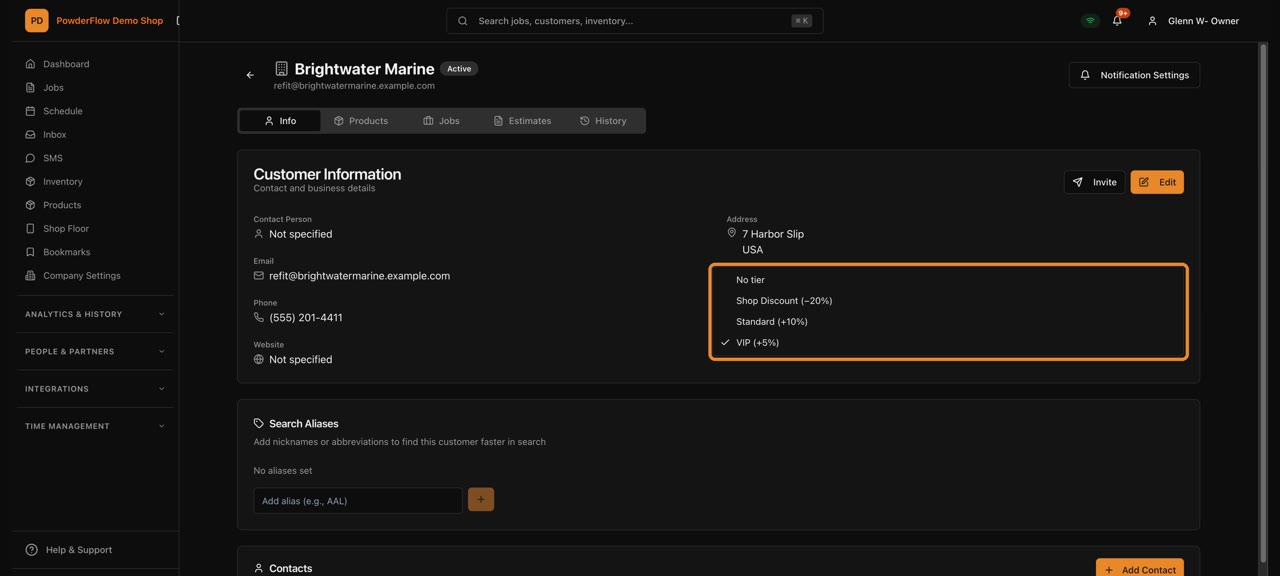
Customer pricing tiers
Set the price level each customer gets.
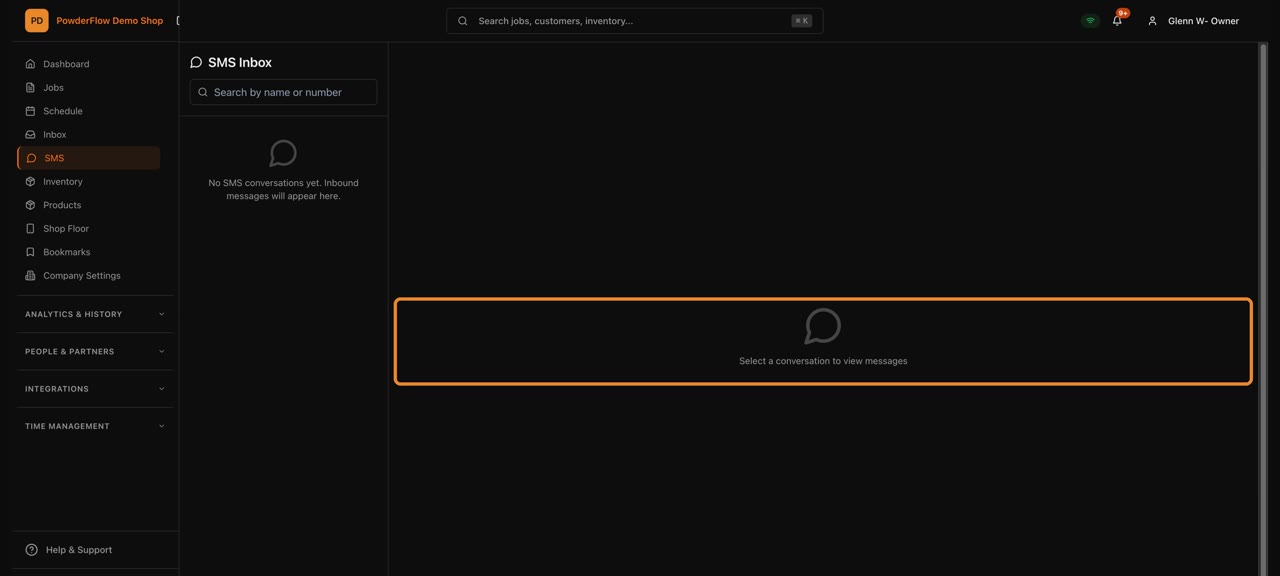
Texting customers
Send customers job updates by text.
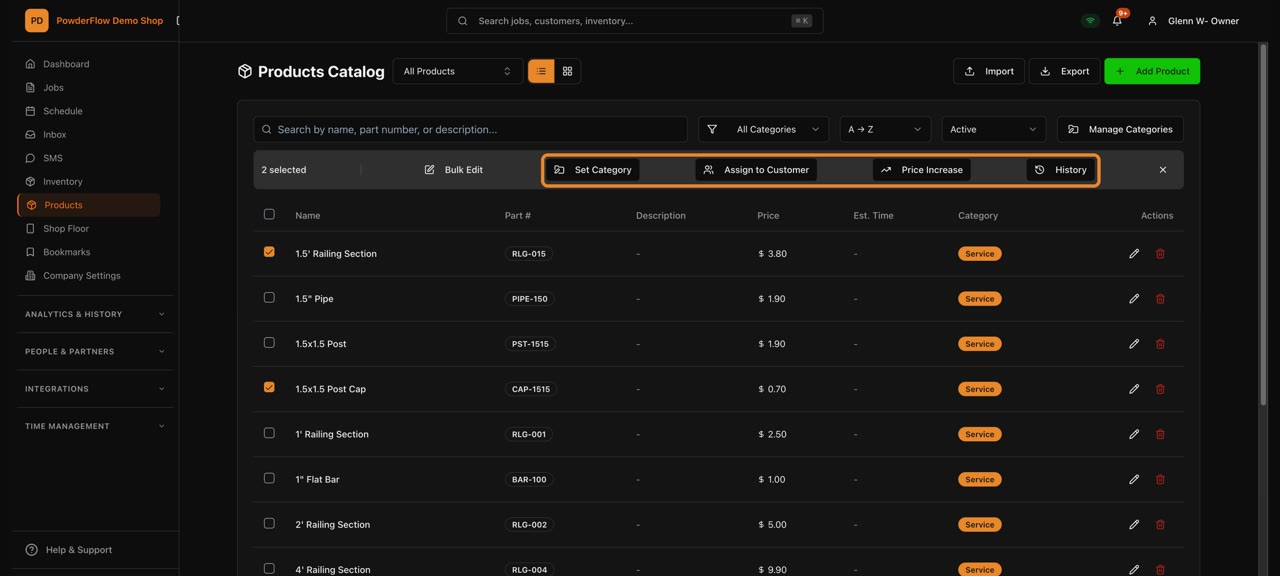
Your product list
Every part you coat, with its price.
Inventory & purchasing
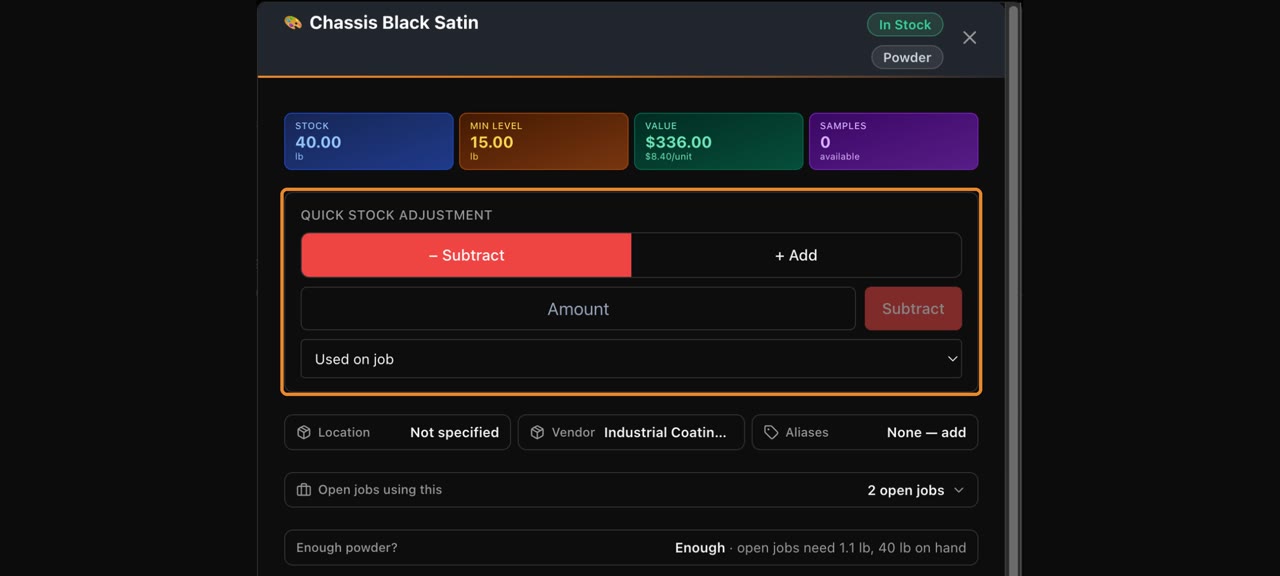
Adjust powder stock
Correct the amount of powder on hand.
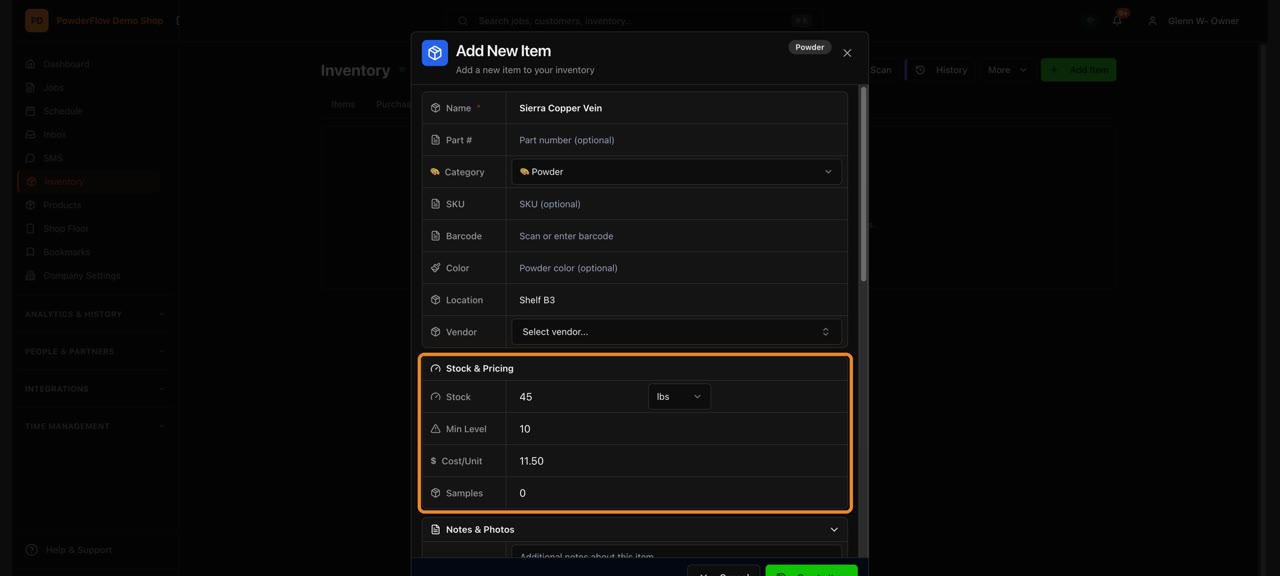
Add an inventory item
Add a new powder or supply to your stock.
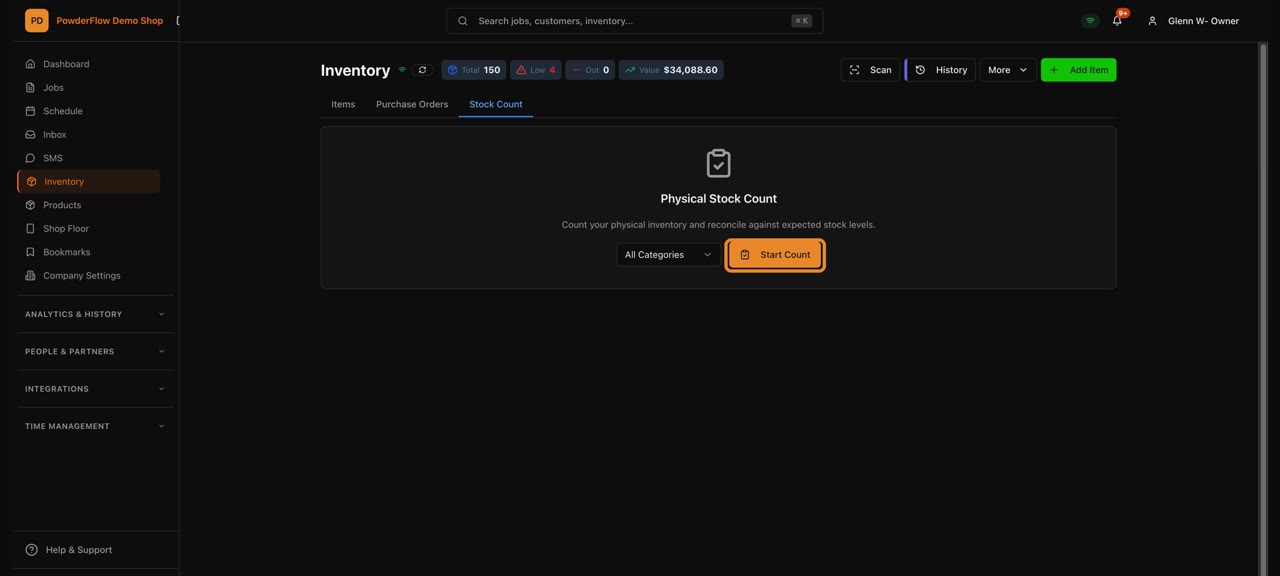
Do a stock count
Count your stock and update it in one go.
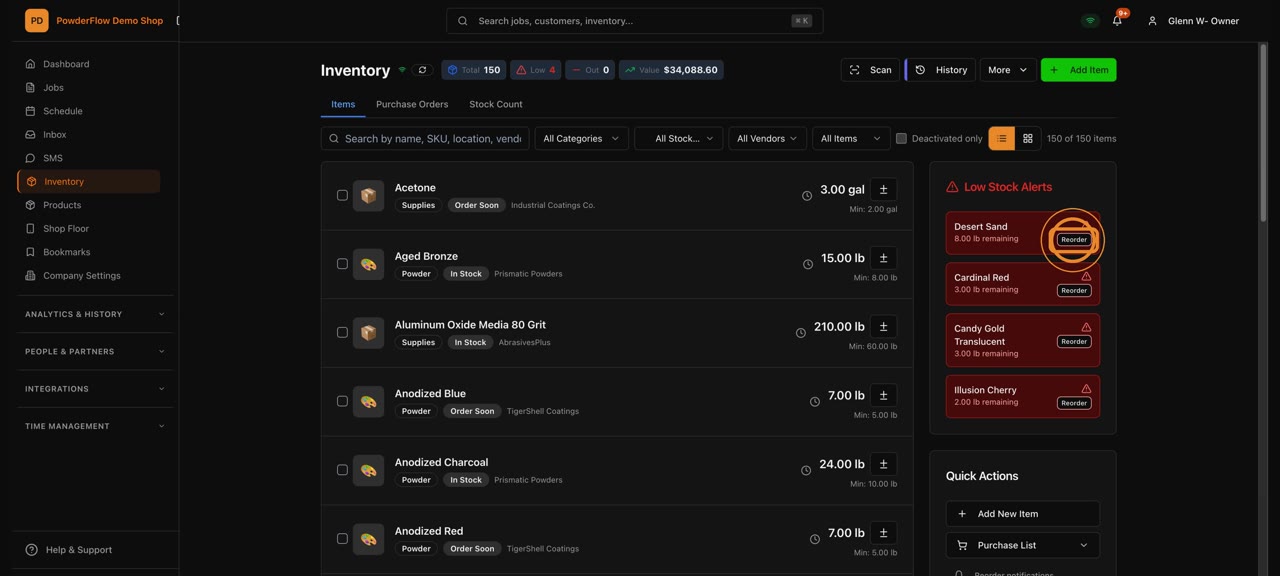
Low stock and reordering
See what's running low and reorder it.
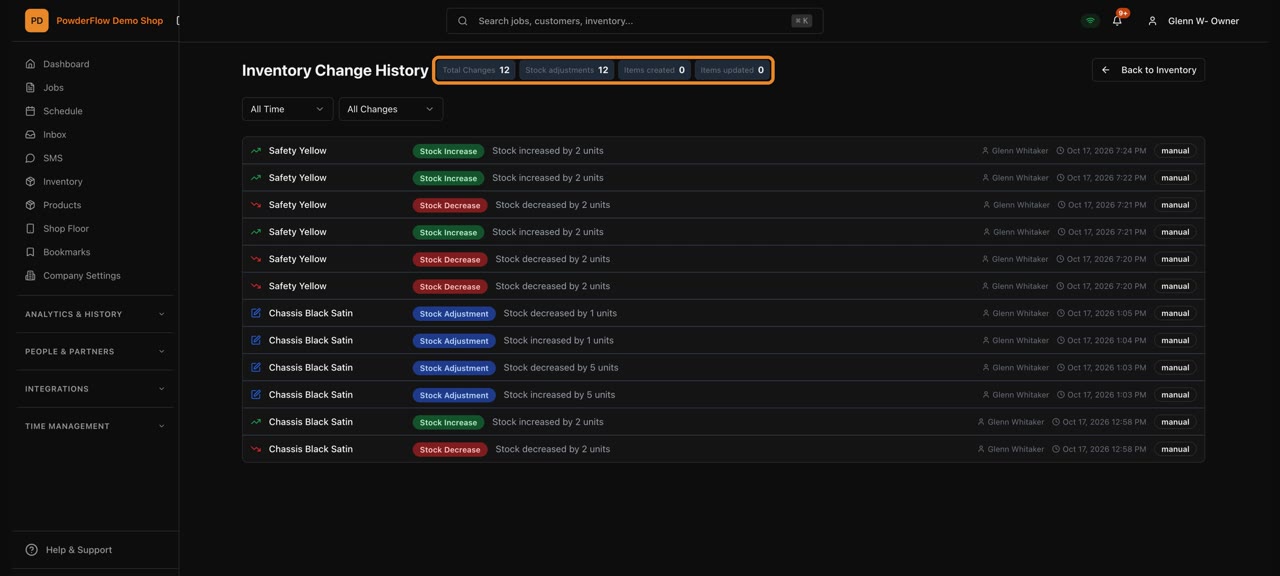
Inventory history
Every stock change, newest first.
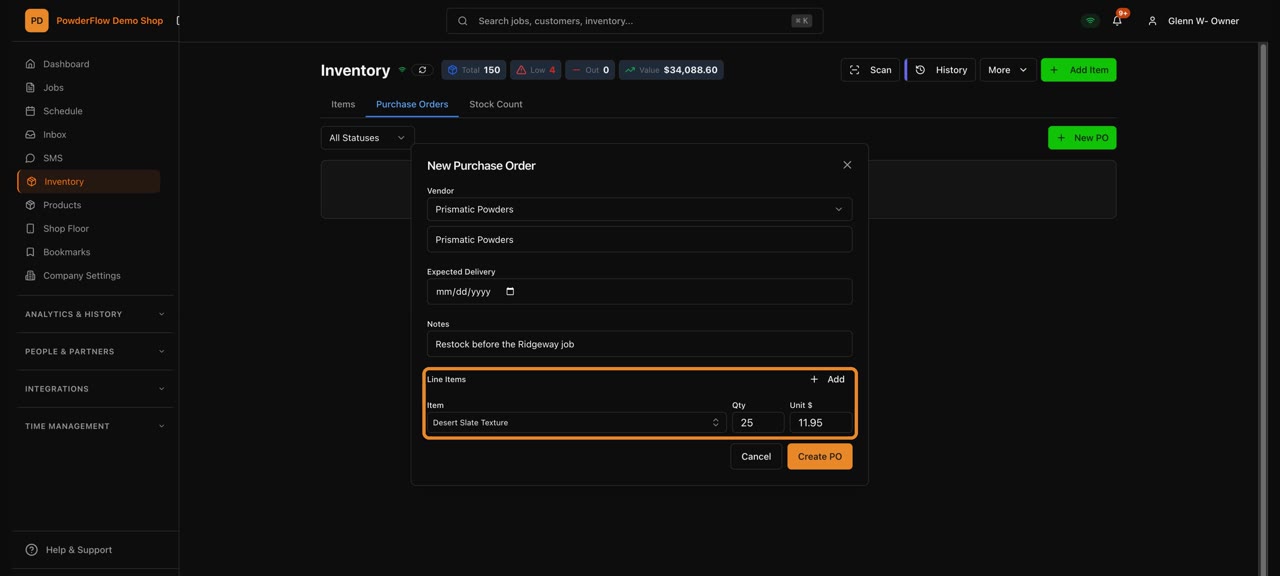
Create a purchase order
Order powder and supplies from a vendor.
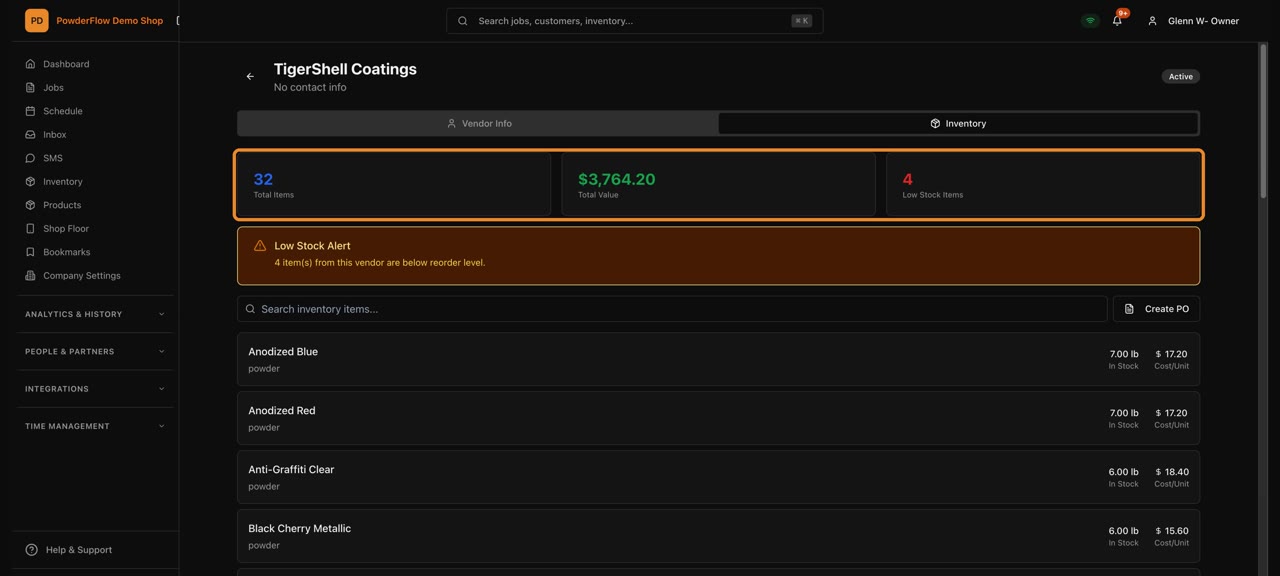
Vendor details
A vendor's contact info and orders in one place.
Invoicing & reports
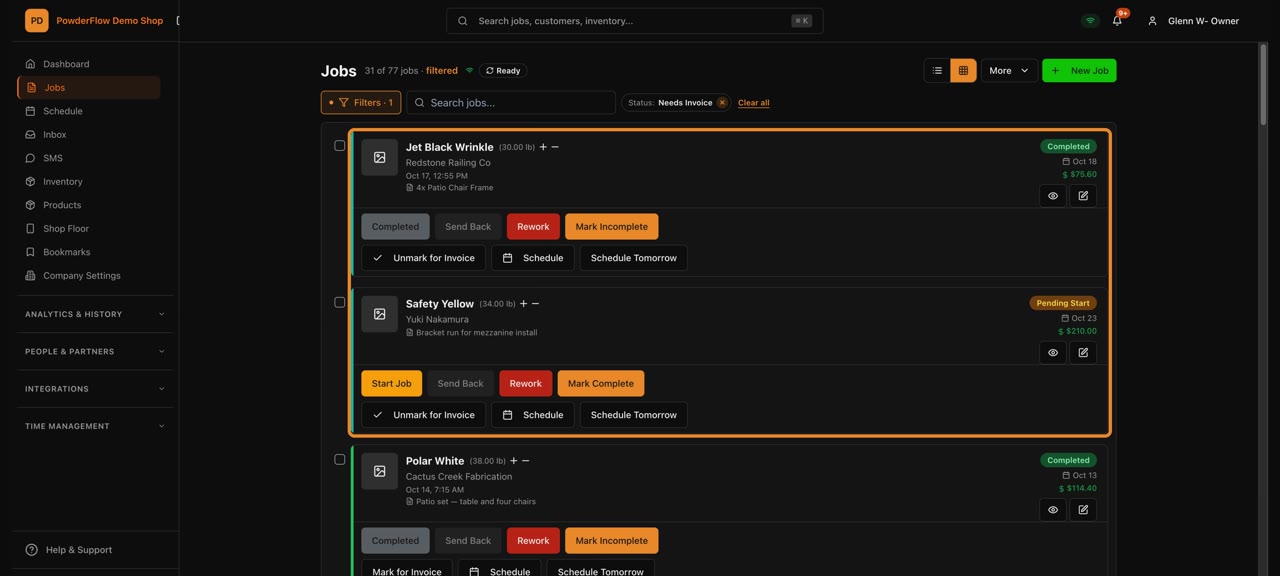
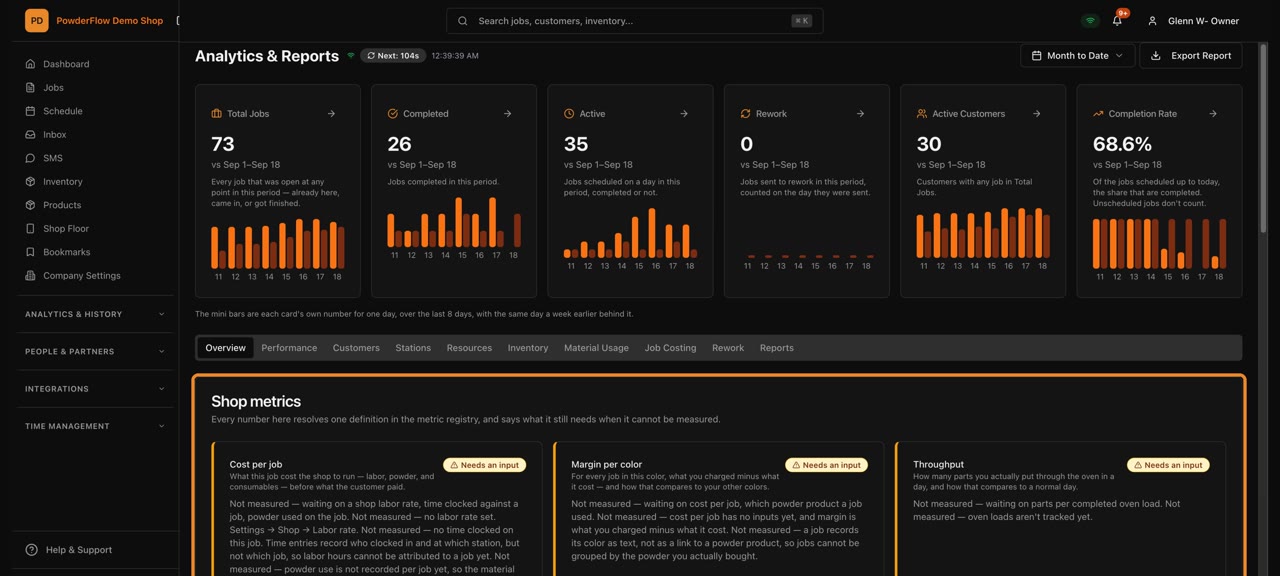
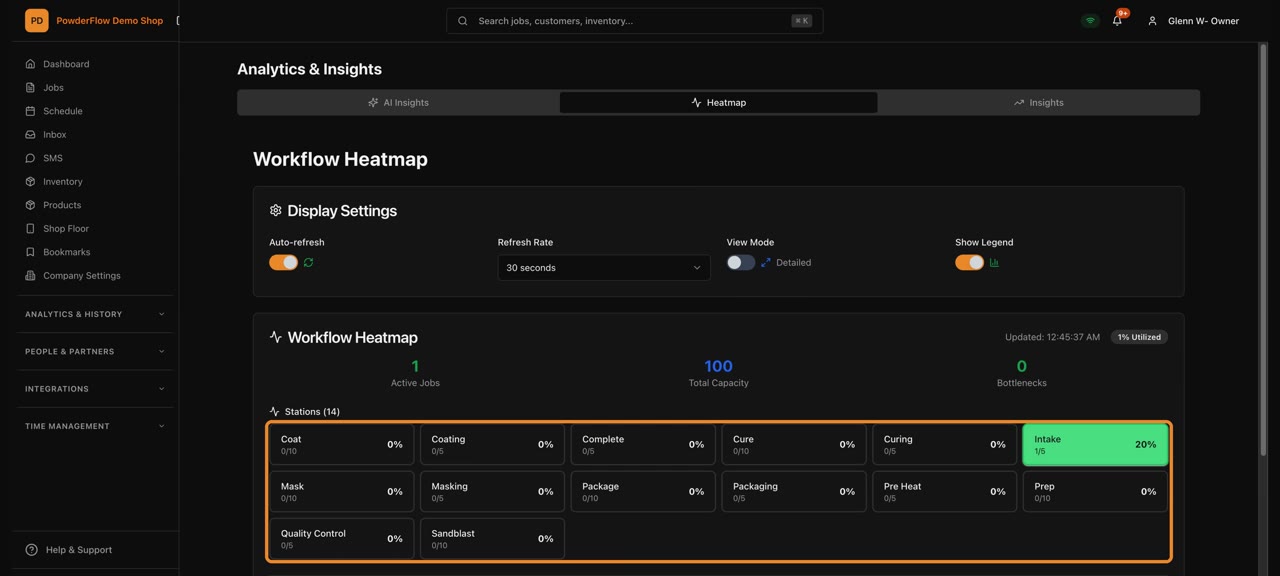
Team & time
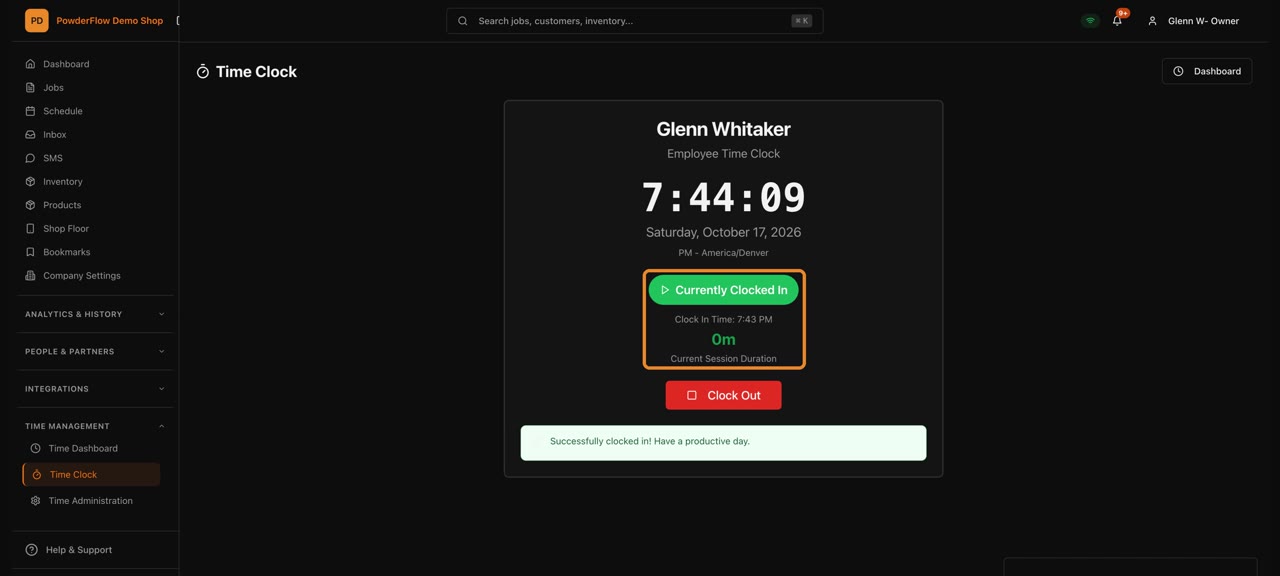
Clock in and out
Start and end your shift with one tap.
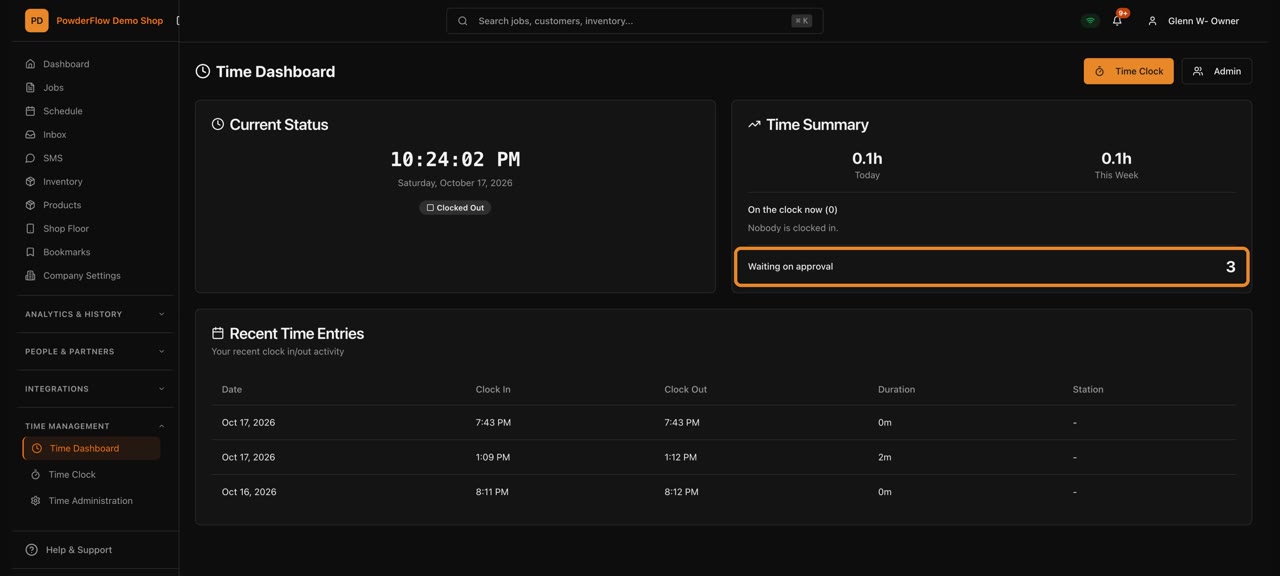
The Time Dashboard
See who's working and their hours at a glance.
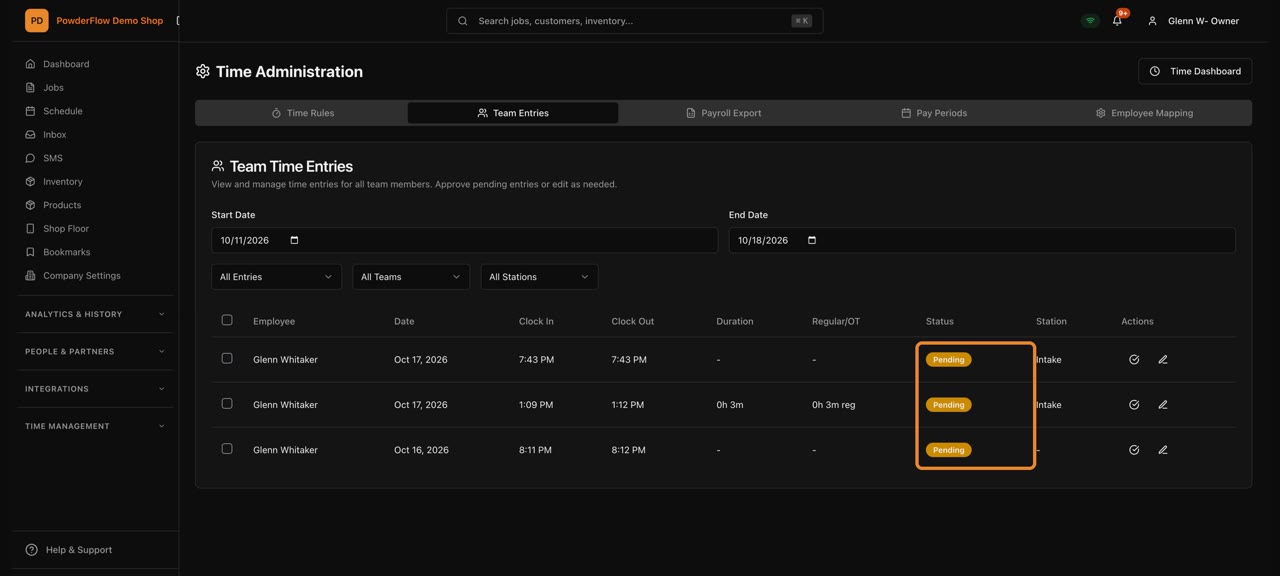
Approve time
Review hours and approve them for payroll.
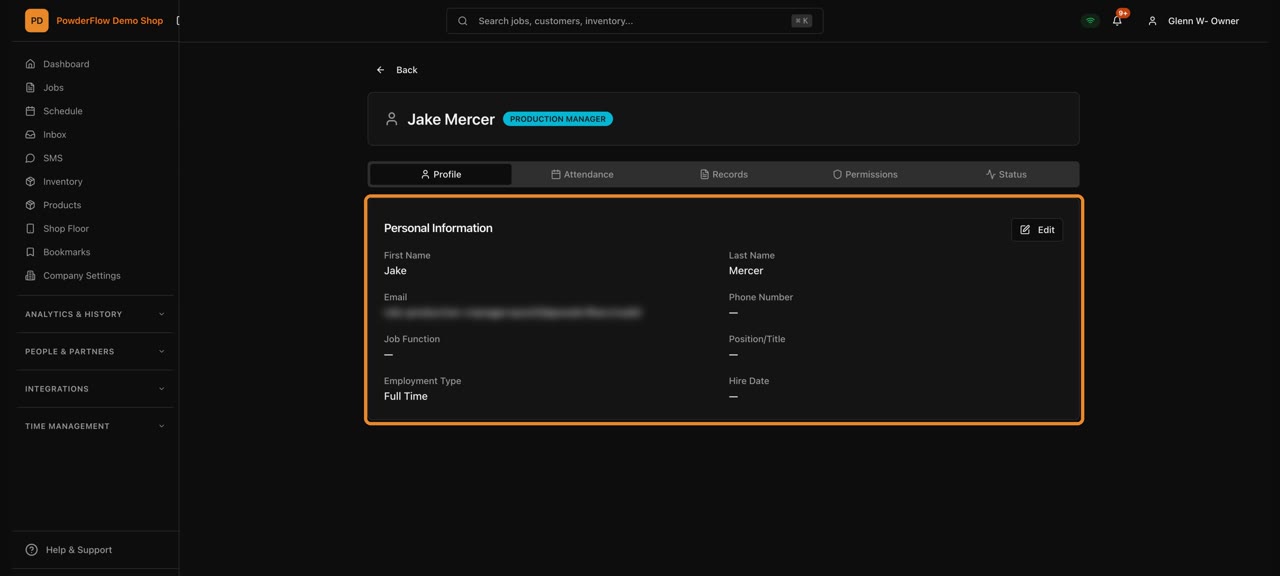
Employee Center
Everyone on your team and their role.
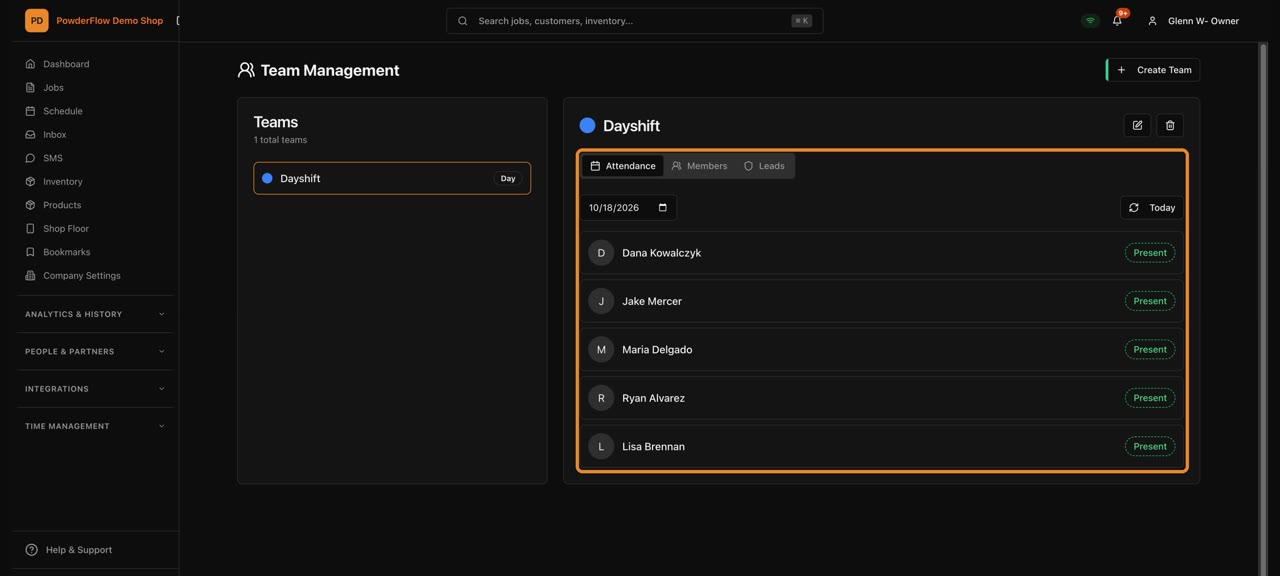
Team Management
Group people into teams.
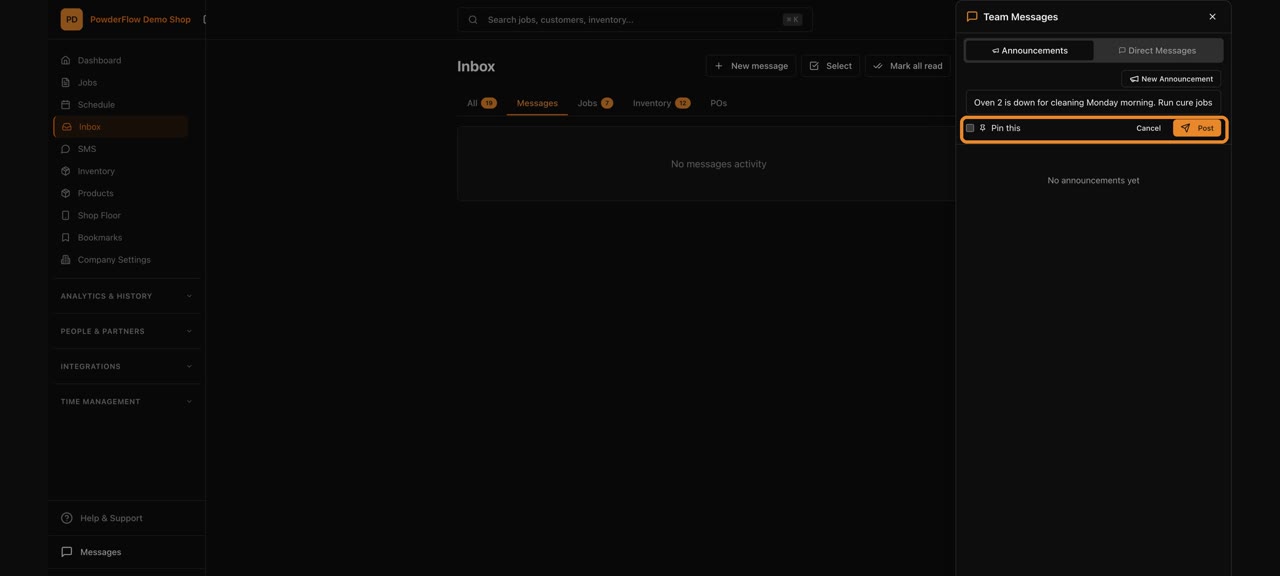
Team messages
Message your team inside PowderFlow.
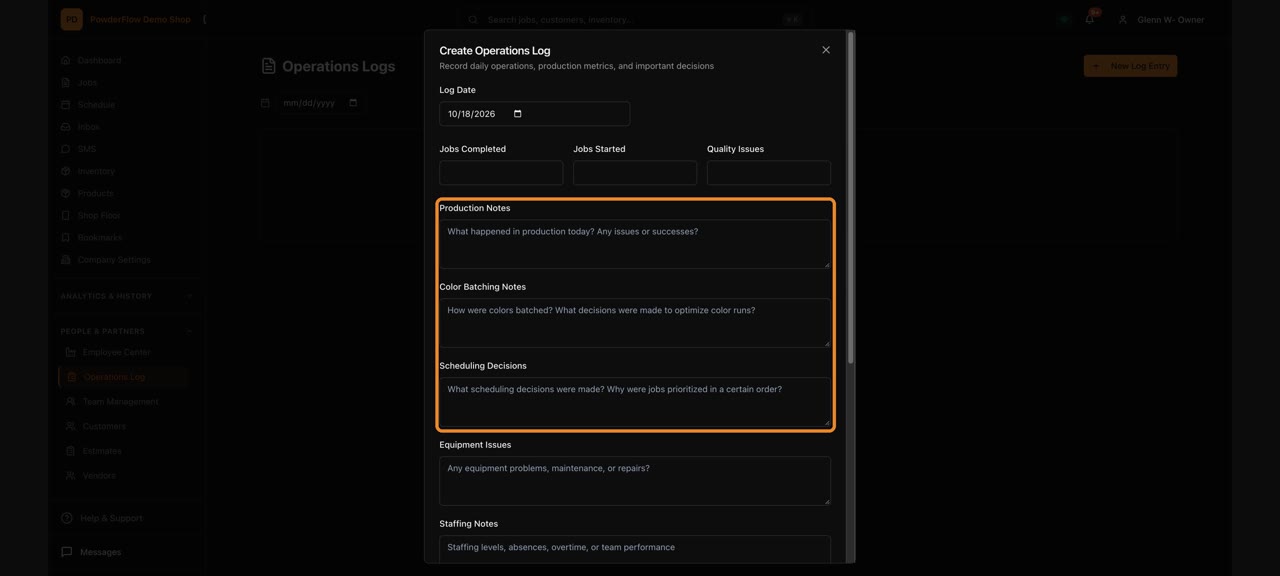
Operations Log
A daily diary of what happened in the shop.