
See PowderFlow at work


watch a short video to see how it works
01 · 0:34
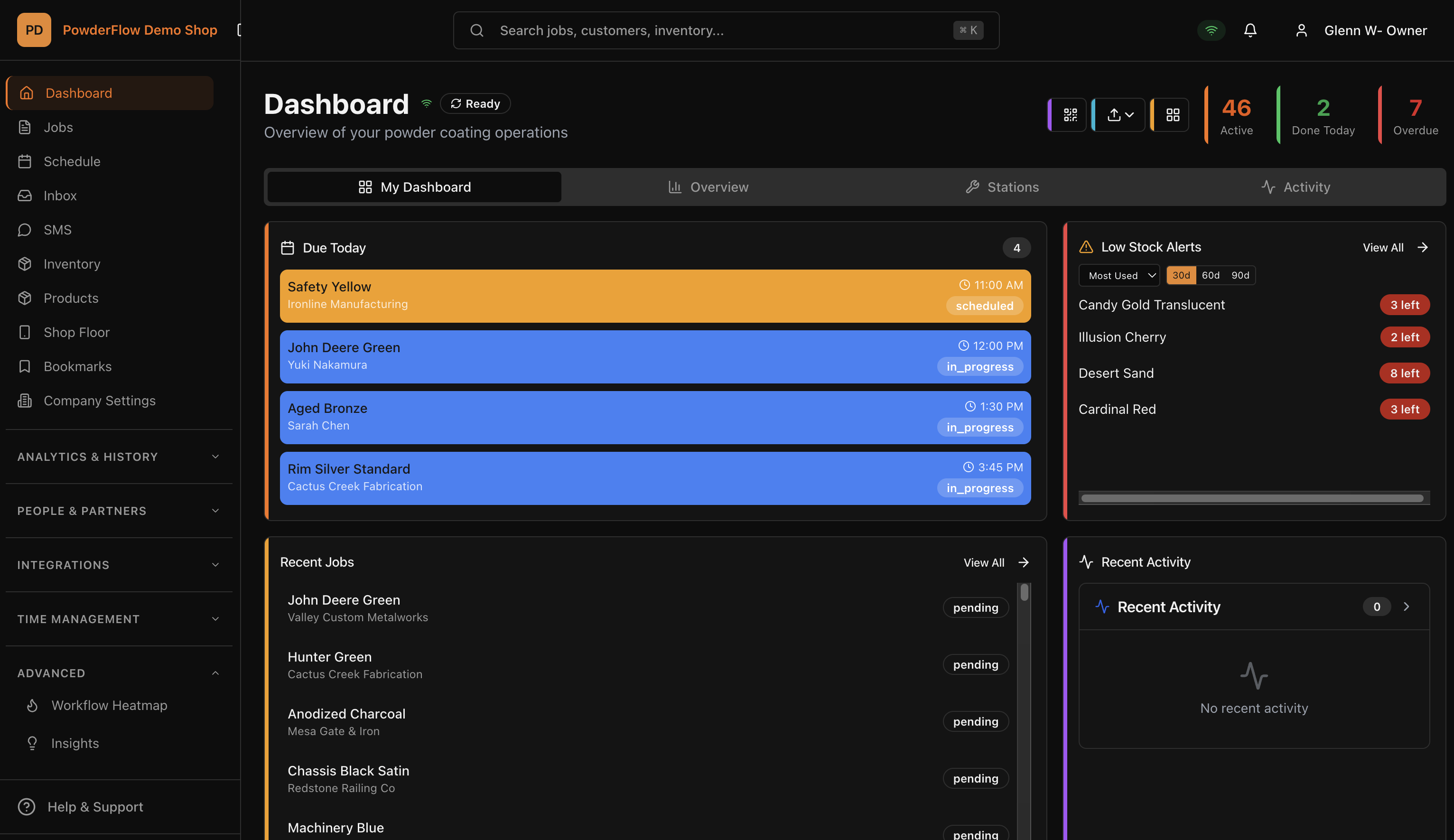
Your shop at a glance
Open PowderFlow and see what matters today: jobs due, jobs running late, powder running low. Quick actions and a live activity log keep the whole shop in view.
02 · 0:41
Create a job
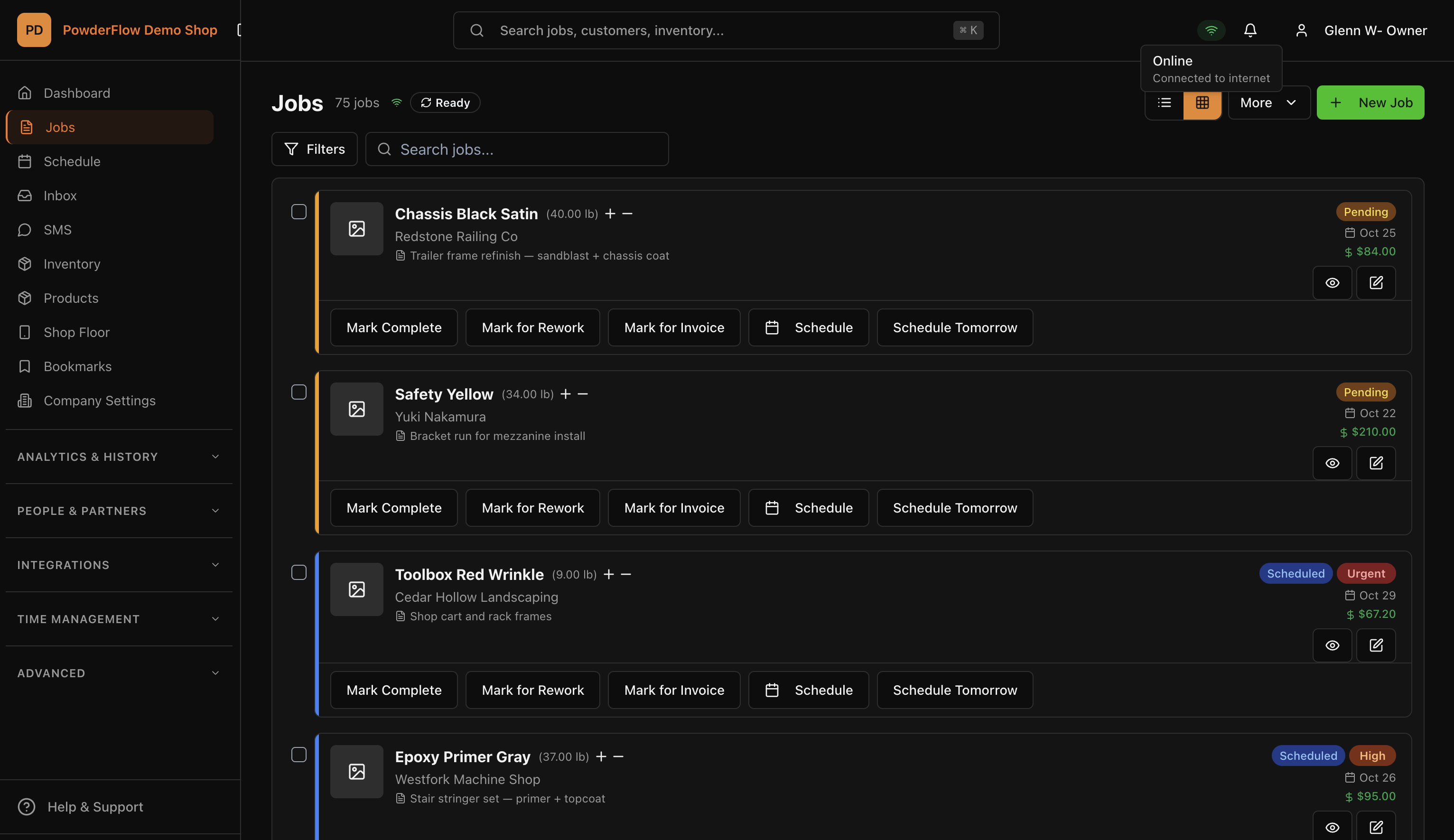
Start typing a powder color and PowderFlow searches your inventory, showing how many pounds you have on hand. Pick the customer, set a due date and priority, then add products from your catalog. Prices fill in on their own, the job's value is worked out for you, and it lands straight on the production schedule.
03 · 1:06
Simple or tracking, your choice
PowderFlow runs your shop the way you work. In Tracking mode, each station pulls a job in while they work on it, with every detail on the card, then sends it on to the next station. In Simple mode, you set the run order, the shop works through it, and one person marks each job complete. Every plan gets both, and you can switch any time in Settings.
04 · 0:36
Update your price list in one go
Every part you coat is listed with its price. Search or filter, tick the ones you want, then set a category, assign a customer or raise prices on all of them at once.
05 · 0:36
Save a customer's regular parts
Save the parts a customer orders again and again, one at a time or from a list, with their own part number, price, surface area and processing time.
06 · 0:38
Plan the week
Plan by day, week or month, and drop a job into a time slot with a click. Runs and Resources show what's going into the oven and who and what you have to do it.
07 · 0:44
Run jobs from the floor
A screen built for the floor: jobs, job sheets, a low-stock warning, and quick add or take-out of powder without leaving the line. Every change is logged.
08 · 0:28
Never forget to bill a job
Mark finished work for invoice with one tap. A Needs Invoice filter and dashboard count make sure nothing done goes unbilled.
09 · 1:10
Adjust your stock
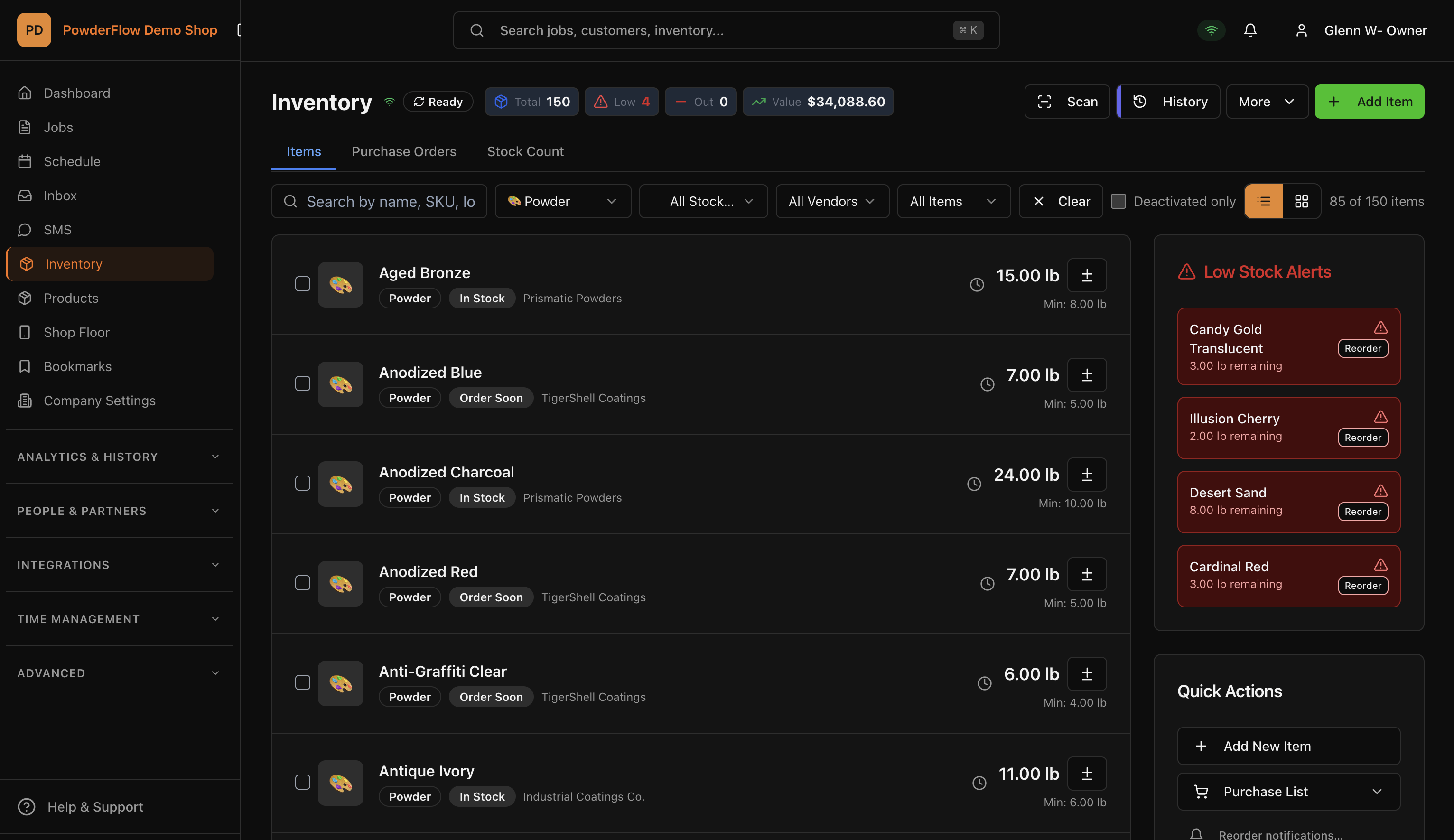
See every powder and supply with its total value and low-stock alerts at a glance. When a delivery comes in, add the pounds with a reason, and stock and value update immediately. Every change is logged, and when something runs low one click sends a reorder request.
10 · 0:28
Count your powder shelf
Count your shelves and PowderFlow shows the difference as you type. Commit the count and your stock is right again, with the change logged.
11 · 0:34
Order from a vendor
Keep every vendor with the powders they supply. Tick what you need and build a purchase order that totals its own lines, ready when you are.
12 · 0:29
Clock in and out
Crew clock in and out from the time clock, and pick the station they're working at. The screen shows when they started and how long they've been on.
13 · 0:39
See how the shop is really doing
Month-to-date charts for your shop: jobs, customers, performance and inventory. The numbers come from the jobs you already run, nothing extra to enter.